Tactile Feedback in Silicone Keypads: Science and Engineering
- Share
- publisher
- Nani
- Issue Time
- Jun 12,2025
Summary
Tactile feedback in a silicone keypad is set by the force-displacement curve, not by hardness alone. This article defines snap ratio, shows how web geometry moves it, and gives the measurements to put in a keypad specification.

Tactile feedback is the information an operator's finger receives between touch and release. On a silicone keypad that information is produced mechanically by a collapsing web, and it can be described, measured and specified. Hardness is only one input.
The useful description is the force-displacement curve: how much force the key needs as it travels down, where the force peaks, and how far it falls before contact. Everything an engineer calls a crisp, mushy, long or dead key is a feature of that curve.
What Tactile Feedback in a Silicone Keypad Is Measured By
A key has two characteristic forces. The peak force is the maximum resistance before the web collapses. The contact force is what remains at the moment the pill or dome closes the circuit. The ratio between them is the snap ratio, and it is the single best predictor of whether a key feels decisive.
Snap ratios near 1.0 describe a key that pushes back evenly and gives no confirmation; operators call it soft or vague. As the ratio rises, the key releases stored energy at collapse and the finger feels a distinct step. Beyond roughly 2.0 the step becomes a jolt, the return can be noisy, and on a small key the web may fatigue faster.
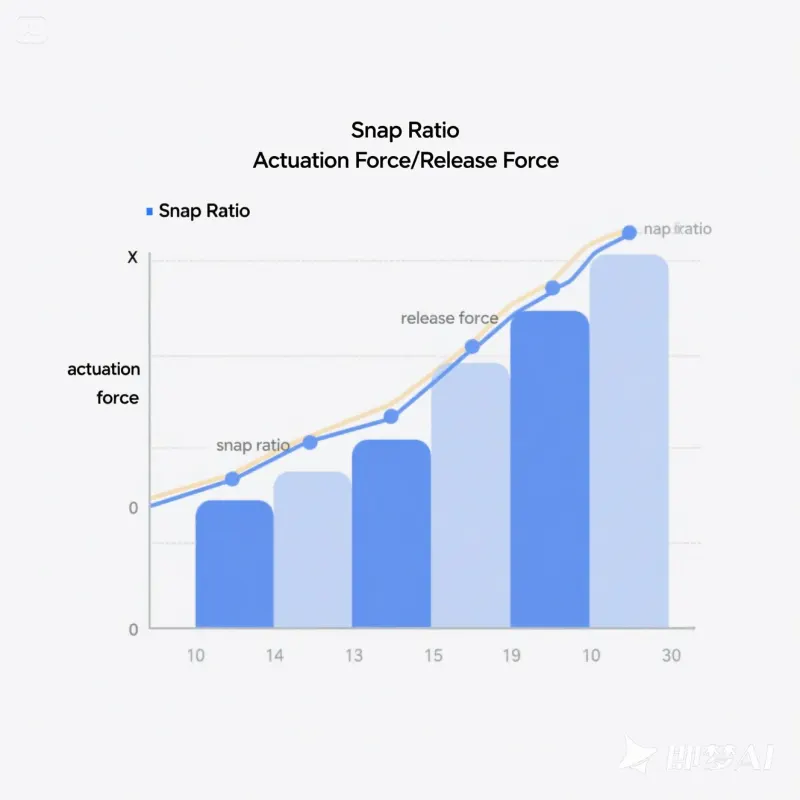
| Snap ratio band | What the operator feels | Typical use |
|---|---|---|
| 1.0 – 1.2 | Linear, no confirmation | Sealed panels where a click would mislead |
| 1.2 – 1.5 | Soft step, quiet | Medical and laboratory equipment |
| 1.5 – 1.8 | Clear tactile feedback | Industrial controls, handheld instruments |
| 1.8 – 2.2 | Firm click | Consumer devices, game and POS keypads |
| Above 2.2 | Heavy, sometimes harsh | Rarely specified; check fatigue life |
Why snap ratio, not force, defines tactile feedback
Two keys can both measure 250 gf peak and feel completely different. If one falls to 220 gf at contact and the other to 120 gf, the second reads as crisp and the first as dead. Force tells you how hard the key is to press; snap ratio tells you whether the press is acknowledged. When a customer says a sample feels wrong but cannot explain why, the curve almost always explains it.
Reading the Force-Displacement Curve
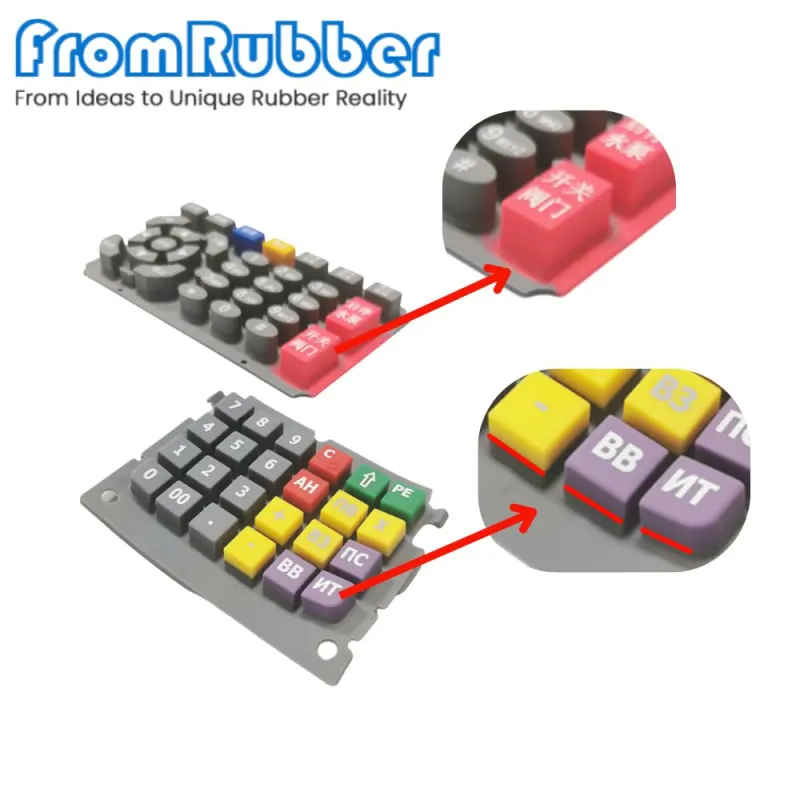
The curve is recorded on a compression tester at a constant speed, usually 5 to 20 mm per minute, with the probe centred on the key. Three points matter: the peak, the trough, and the force at electrical contact. Record them with the key in its real housing, because a mat tested loose on a plate reads differently from a mat clamped under a bezel.
Repeat the measurement on at least five keys per layout, including corner keys. Corner keys sit where the mat is constrained, so they routinely show the lowest peak and the slowest return. A layout that is uniform in the centre and uneven at the edges will feel inconsistent to anyone who uses the panel all day.
How Web Geometry Sets Tactile Feedback
The web is the thin silicone bridge between the key body and the surrounding mat. Its thickness, span and the angle at which it meets the key body decide when it buckles. A thin, wide web buckles early and softly; a thick, short web resists longer and then releases more energy.
Keycap height changes the effective length of the wall above the web, which shifts the peak without changing the ratio much. That is a useful distinction: if the key is too hard to press, height and web thickness are the levers. If the key simply does not confirm the press, the ratio has to change, which usually means a different web profile rather than a different compound.
Hardness does move the whole curve up or down. Going from 50 to 60 Shore A raises peak force noticeably and shortens the return time, which is why keypads commonly sit around 60 Shore A while seals and covers are softer. Our hardness selection guide covers that trade-off in more detail.
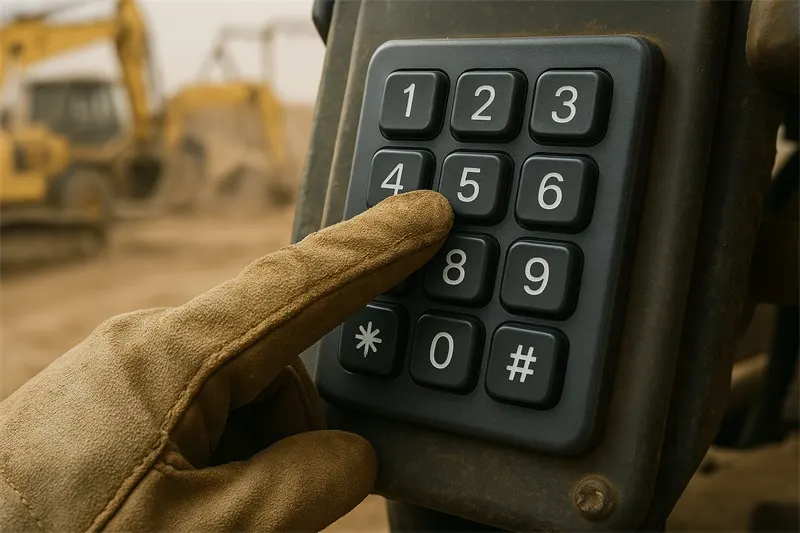
Testing Tactile Feedback Before Tooling Is Cut
Three measurements to put in the specification
- Peak force with a tolerance band, measured at a stated speed and probe diameter.
- Contact force, or the minimum snap ratio, measured at the point of electrical closure.
- Return time or release force, which is what determines whether a key can repeat faster than an operator can type.
A prototype mould proves geometry before production steel is cut. If the project has no room for two tooling rounds, the alternative is a machined or 3D-printed surrogate of the web profile tested on a force tester; it will not match the final part exactly, but it will show whether the profile buckles in the intended place. Our five considerations for keypad buyers explains where that prototype sits in the wider programme.
Test note: Measure tactile feedback at the temperature the product is used at. Silicone stiffens as it cools, so a key that feels correct at 23 °C in the lab can feel heavy at 0 °C on a loading dock. If the product is used outdoors, ask for the curve at the low end of the range.
Does a louder key mean better tactile feedback?
No. Sound and feel correlate because both come from the energy released at collapse, but a key can be loud and vague if the noise comes from the keycap hitting the housing rather than from the web buckling. Specify the force curve, not the sound.
Can tactile feedback be changed after tooling?
Partially. Legend depth, coating and assembly compression can be adjusted, and a small change in web thickness is sometimes possible by removing steel. A change in web profile or key height generally requires a new tool insert, so agree the curve before the tool is cut.
Tactile feedback is a curve with three numbers on it. Specify the peak force, the force at contact and the return behaviour, test corner keys as well as centre keys, and test at the temperature the product actually sees. Everything else about the key is a consequence of those three numbers.