Top 5 Injection Molding Defects in Mouse Enclosure Manufacturing (And How to Fix Them)
- Share
- publisher
- Suey
- Issue Time
- May 11,2026
Summary
Discover top 5 injection molding defects in mouse enclosure manufacturing—sink marks, weld lines, short shots, warpage, flow marks—and proven fixes. FromRubber expert solutions for flawless cosmetic parts.
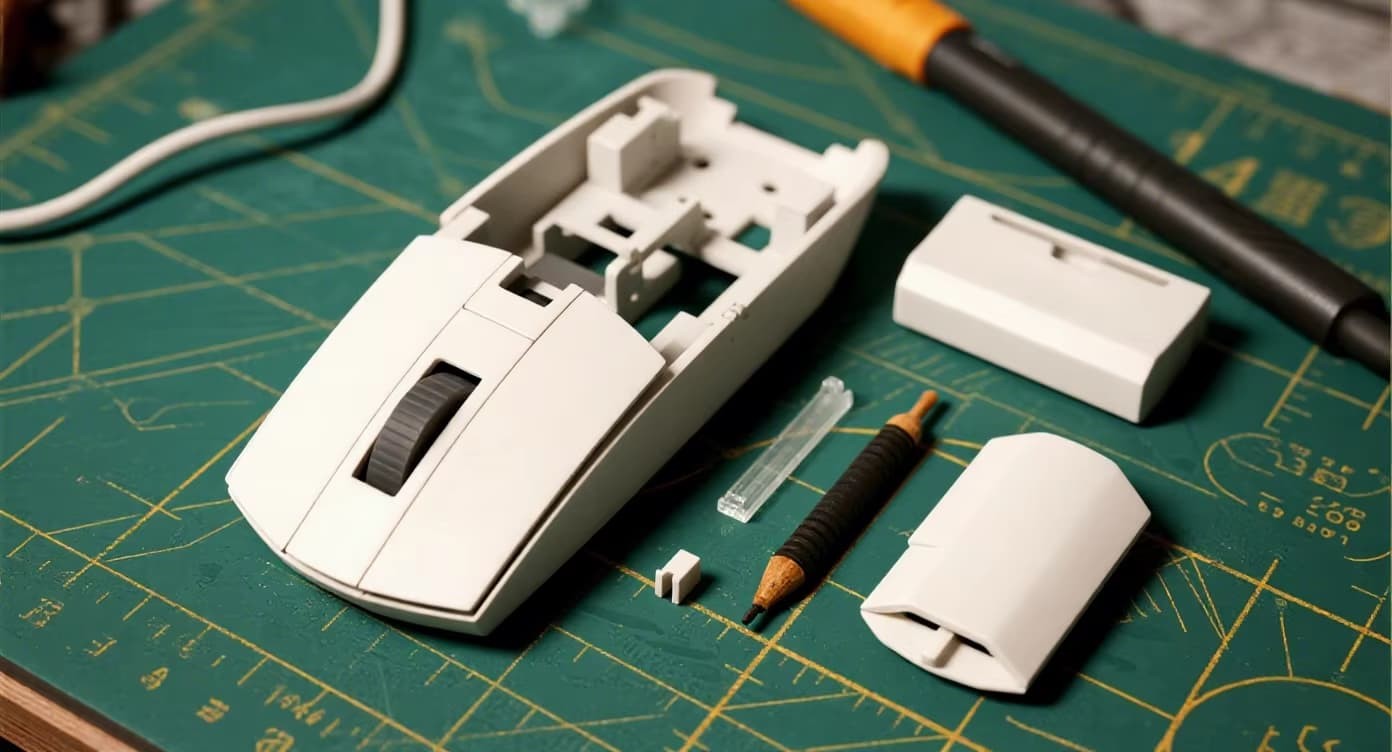
Even the most experienced manufacturers encounter molding defects when producing complex mouse enclosures — from gaming mice with thin walls to ergonomic office mice with intricate button cutouts. At FromRubber, we've analyzed thousands of rejected parts to identify the top 5 defects and, more importantly, how to fix them permanently. This guide covers root causes and actionable solutions backed by real case studies.
Mouse Enclosure : Sink Marks (Denting on Thick Zones)
Appearance: Small depressions or dimples on the external glossy surface, usually above internal ribs, screw bosses, or button support posts.
Root Cause: Uneven wall thickness where thicker sections (e.g., 2.5mm boss) shrink more than the nominal 1.2mm wall, creating surface sinks during cooling.
FromRubber Fixes:
- Redesign rib thickness ≤60% of nominal wall (e.g., 0.7mm rib on 1.2mm wall).
- Use gas-assisted injection or core-back to create hollow bosses.
- Optimize packing pressure & time: increase holding pressure to 80-90% of injection pressure for 3-5 seconds longer.
- Mold texture (VDI 12-18) on the inner side reduces visible sink marks.
✅ Real result: A gaming mouse with deep side buttons – after rib thinning and extended pack time, sink mark rejection rate dropped from 18% to 0.5%.
Mouse Enclosure : Weld / Knit Lines (Visible Line on Surface)
Appearance: A thin line, often V-shaped or discolored, where two melt fronts meet — commonly around scroll wheel openings or side button cutouts.
Root Cause: Melt fronts cool down before merging, resulting in incomplete molecular entanglement; intensified on high-gloss surfaces.
FromRubber Fixes:
- Move gate location – fan gate or sequential valve gate to eliminate merging.
- Increase melt temperature (260-280°C for PC/ABS) and mold temperature (80-100°C).
- Adopt variotherm (dynamic mold heating) – eliminates weld lines completely.
- Use high-flow resin grades (MFR > 25 g/10min).
✅ Real result: For a glossy black esports mouse, variotherm reduced weld line visibility to zero; SPI-A1 finish passed without rework.
Mouse Enclosure : Short Shots (Incomplete Filling)
Appearance: Missing material at the end of the cavity — typically at the far edge of the mouse bottom shell or thin front lip.
Root Cause: Insufficient injection pressure, low melt temperature, poor venting, or too-small gate.
FromRubber Fixes:
- Increase injection pressure & speed gradually (Moldflow simulation sets optimal).
- Add additional venting (0.02-0.03mm depth) near last-fill areas.
- Enlarge gate or runner diameter by 15-20% for better flow.
- Check machine shot capacity – use larger barrel if needed.
✅ Real result: An ultra-thin battery cover (0.9mm wall) was short-shot at 45% – after venting and raising melt temp by 18°C, fill completed in 97% of cycles.
Mouse Enclosure : Warpage / Dimensional Distortion
Appearance: Bowed, twisted or uneven mouse shells causing poor assembly fit (top and bottom cover gap).
Root Cause: Non-uniform shrinkage due to anisotropic material behavior, unbalanced cooling, or improper gate location.
FromRubber Fixes:
- Design uniform wall thickness (±0.1mm variation).
- Add conformal cooling channels (3D-printed inserts) for even heat dissipation.
- Reduce holding pressure and adjust cooling time (increase by 20-30%).
- Use glass-filled grades only in low-warp formulations – or core-unfilled polymer for cosmetic parts.
✅ Real result: A wireless charging mouse bottom plate had 0.8mm bowing; after conformal cooling redesign, warpage reduced to 0.12mm — well within tolerance.
Mouse Enclosure : Flow Marks & Surface Streaks
Appearance: Wavy patterns, cloudiness, or halo-like rings near the gate or along flow path on glossy mouse top shell.
Root Cause: Inconsistent melt front velocity (hesitation or jetting), low mold temp, or degraded material.
FromRubber Fixes:
- Use progressive injection velocity profile (fast fill initial, then slow to avoid jetting).
- Raise mold surface temperature to 65-85°C for ABS/PC resins.
- Enlarge gate land length and change to pin-point or submarine gate.
- Dry resin thoroughly (moisture < 0.02%) to eliminate splay marks.
✅ Real result: A pearlescent white mouse exhibited severe flow marks until we installed a hot runner with optimized velocity profile. 100% defect-free since change.
📊 Quick reference: defect vs. solution matrix
| Defect | Most effective fix | Timeline to solve |
|---|---|---|
| Sink marks | Rib thickness ≤60% wall + extended packing | 3-5 days (mold mod) |
| Weld lines | Gate relocation / variotherm | 2-4 weeks (hot runner) |
| Short shots | Venting + higher injection speed | 1-2 days |
| Warpage | Conformal cooling & uniform wall | 2-3 weeks |
| Flow marks | Velocity profile + higher mold temp | Same-day process adjustment |
FromRubber — Your mouse enclosure defect-killing partners
We provide DFM reports with defect risk analysis before steel cutting. With 14 injection presses (40-550T), in-house mold trial lab, and CMM inspection, we guarantee ≤1% defect rate for high-gloss and textured mouse shells. From prototype to million-unit production — every defect is engineered away.
FromRubber ISO 9001:2025 certified — Custom injection molds for gaming peripherals, medical enclosures, and consumer electronics.