Tractor Control Panel Silicone Buttons: Selecting the Right Tactile Force
- Share
- publisher
- FromRubber
- Issue Time
- Sep 18,2026
Summary
Tactile force is often written on a drawing as a single number, yet what the operator feels is a curve: the rise to the actuation peak, the snap-through drop, the contact closure point and the release on the way back. This article explains how hardness, button geometry, web thickness, conductive contact position and housing compression shape that curve, why different functions on one panel may deserve different force targets, and how to evaluate force on samples in realistic conditions.
Tractor Control Panel Silicone Buttons: Selecting the Right Tactile Force
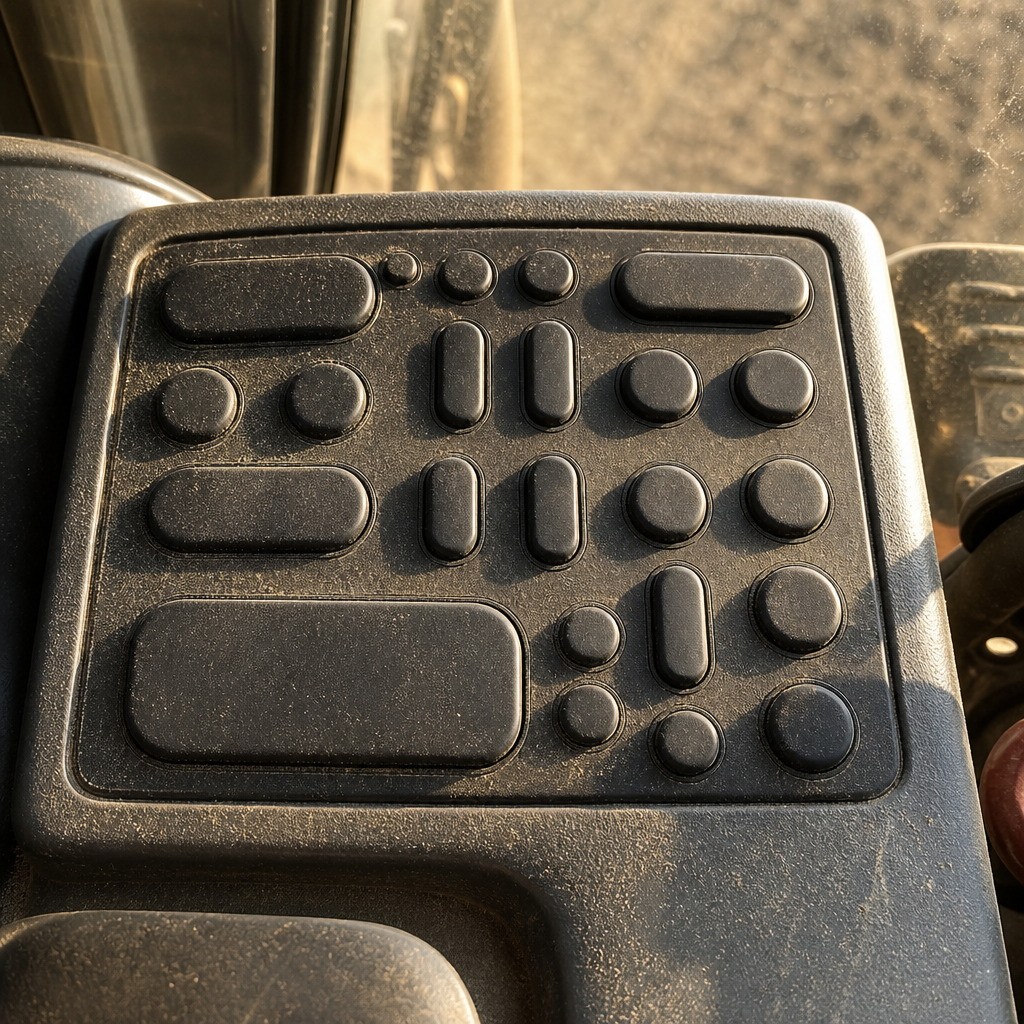
An operator climbs into the cab at first light, wearing work gloves, and presses the same row of keys for nine hours. When the keypad is right, nobody mentions it. When the force is wrong, the complaints arrive in a predictable order: silicone rubber buttons that want a thumb instead of a fingertip, keys that fire when a sleeve brushes past, and a row where one key snaps while the one beside it feels like wet cardboard.
Choosing tactile force for Tractor Control Panel Silicone Buttons is not a decision about one material property. The load a finger feels comes out of a system: the shape of the rubber web, the travel the PCB contact needs, and the way the housing clamps the keypad during assembly. Change one of those and the figure on the drawing is no longer the figure the operator experiences.
What follows is a method rather than a table of approved values: the vocabulary of tactile force, the field conditions that matter, and a six-step process for narrowing a force target with your supplier.
What Is Tactile Force in a Silicone Button?
Tactile force is the load a finger must deliver before the button closes its electrical contact, plus the shape of the resistance felt on the way down and on the way back. It is not a single value printed on a compound datasheet, and it cannot be produced by choosing a harder or softer silicone alone.
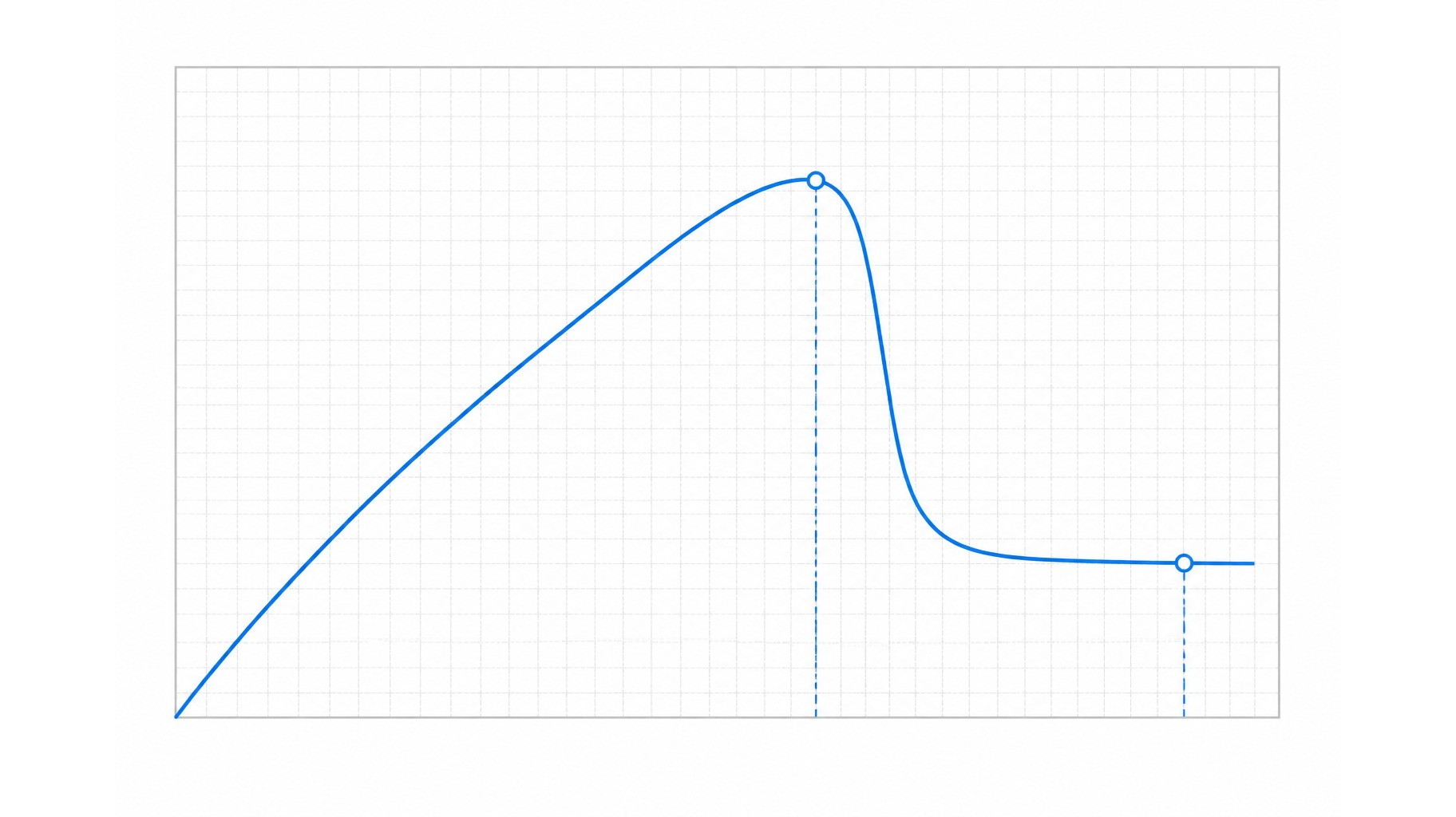
Every press generates a force-displacement curve. Force climbs as the finger pushes and the web deflects, passes a rim force, then peaks where the web snaps through. Past the peak the curve falls away quickly, and that drop is what the operator reads as a click. Contact closure happens on the descent or at the very bottom of the travel, depending on where the conductive pill meets the PCB pad.
Two buttons can report an identical peak and still feel nothing alike, because the snap ratio, the overtravel and the release point all differ. A spec built on peak force alone tends to end in an argument during sample review.
The Five Quantities Behind Every Press
When a supplier and an OEM argue about force, they are usually pointing at five different things.
- Actuation force — the load at which the key closes reliably and the press registers.
- Travel distance — how far the button moves from rest to full contact, including overtravel.
- Return force — the load pushing the button back after release.
- Tactile feedback — the snap and the drop in resistance the finger senses.
- Electrical switching point — where pad resistance falls low enough for the circuit to read a press.
Why Hardness Alone Cannot Deliver a Force Target
A durometer reading, taken under ISO 48-4 or ASTM D2240, describes how a cured rubber sample resists a small indenter. It says nothing about the wall that sample is molded into, and a soft compound in a short, thick web can out-press a hard compound in a tall, thin web. Hardness is the coarse adjustment and geometry is the fine one, which is why actuation force range and operator ergonomics are better discussed together than in isolation.
Why Tractor Control Panel Buttons Require Careful Force Selection
Field conditions change both the load needed to press a key and the load an operator can comfortably deliver. A setting that feels crisp on a bench in a climate-controlled room can feel vague or twitchy in a cab.
Operators May Wear Different Types of Gloves
Gloves are the largest single variable in perceived force on an Agricultural Equipment Silicone Keypad. Leather, insulated liners and coated work gloves spread the finger load over a wider area and add a compressible layer, so a light press that is easy to confirm with a bare finger can be hard to confirm through a glove. ISO 21420 sets out general requirements and test methods for protective gloves, a reminder that gloves are specified by the equipment user, not the keypad designer.
Buttons May Be Used Repeatedly
Multiply the presses in a shift by a heavy load and you get forearm fatigue, which shows up as careless presses on secondary functions. Use too light a load and you get accidental activations instead, which are harder to notice and harder to undo. Consistency matters more than the absolute figure here.
Outdoor Conditions Can Affect Button Feel
Cold changes silicone. A compound that returns quickly at room temperature is stiffer after a machine has sat overnight at freezing temperatures, so a press that felt light in summer can feel heavier and the snap less distinct. IEC 60068-2-78 describes steady-state damp heat exposure, one way to check whether a keypad holds its feel after a humid season rather than only on the day it was molded.
Seal loading matters here too. Rubber flange seals take a compression set under permanent load, and ISO 815-1 defines compression set as the permanent deformation remaining after a specimen is compressed and released. As the seal thins, the flange sits looser in its housing and the felt force drifts down. The discussion of why industrial panel buttons feel different in winter follows the same logic.
Different Button Functions May Require Different Feedback
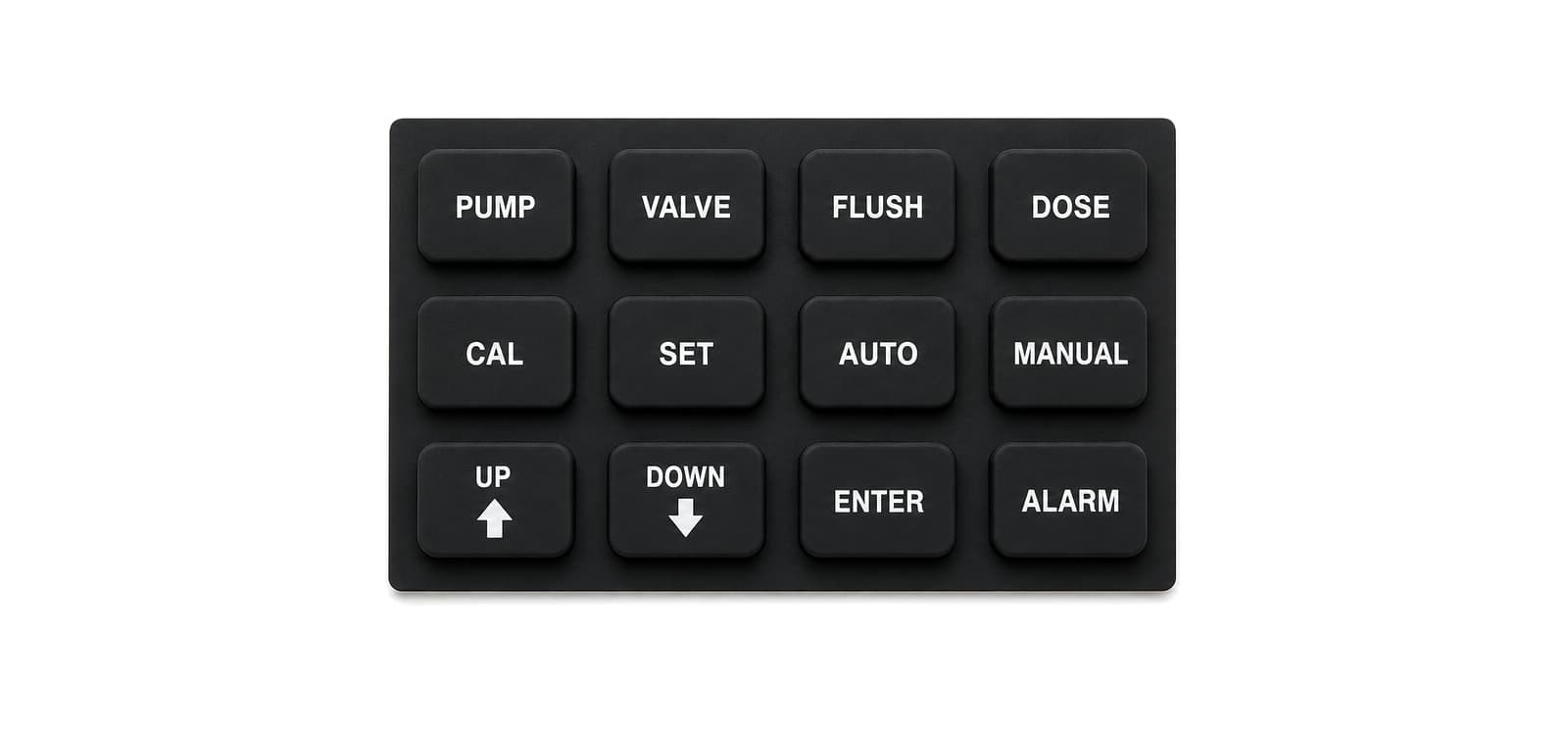
One panel is not one force target. A key the operator hits every few minutes should not demand the same effort as one used twice a season, and a key beside a grab handle needs protection from accidental contact more than it needs a light press. Treating every key identically is a design choice, not a requirement.
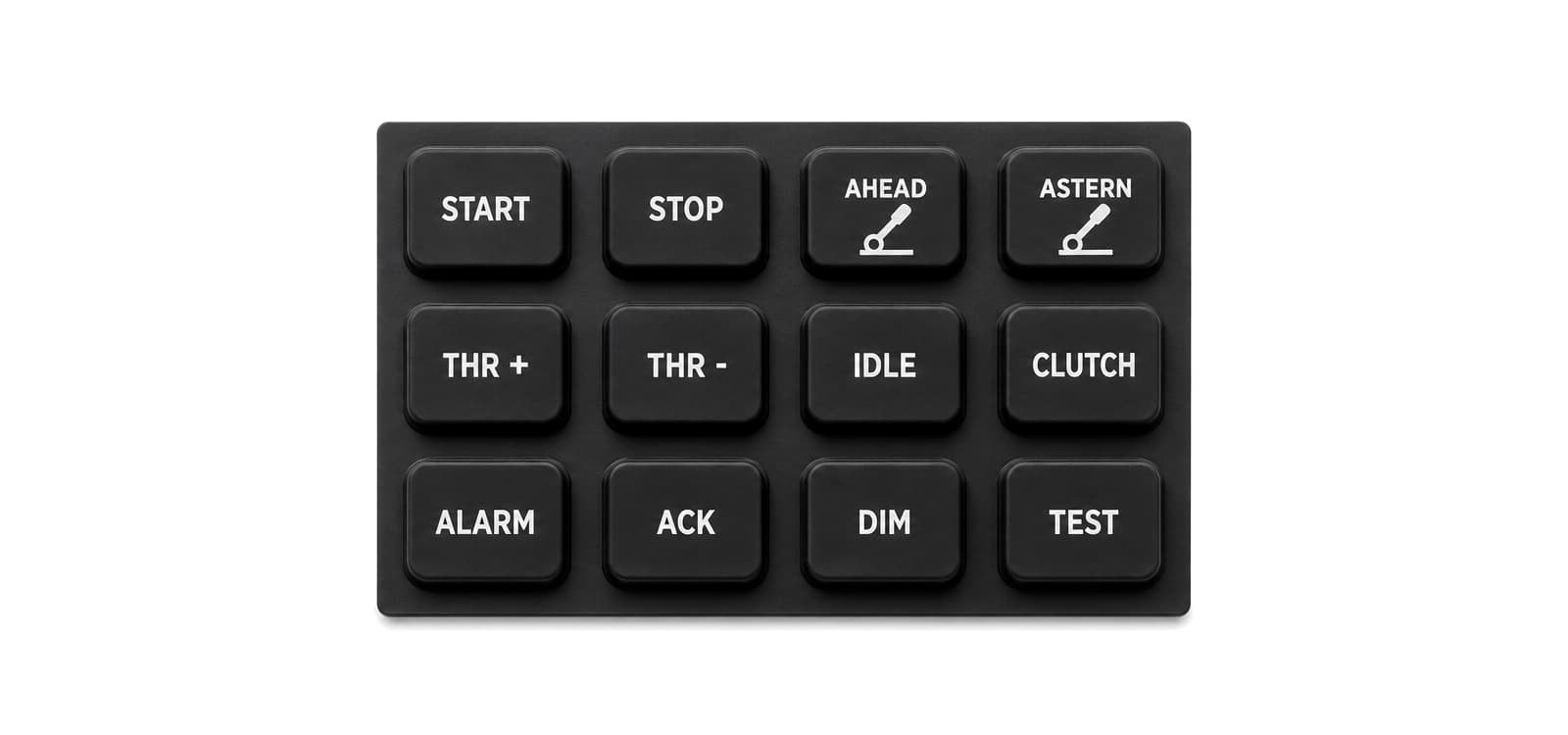
Grouping and force work together to signal which keys belong to routine work and which ones commit the machine to something. That vocabulary transfers to a Tractor Control Panel Keypad, as long as force targets are recorded per function.
Factors That Determine Silicone Button Tactile Force
Four inputs set the force an operator ends up feeling: the compound, the molded geometry, the electrical requirement underneath the button, and the way the finished keypad is squeezed by its housing. They interact, so changing one calls for a look at the others.
Silicone Hardness
Hardness changes how much a given web resists deflection and how quickly the material springs back. A harder compound raises the rim force and the peak, sharpens the snap and returns the button faster. A softer compound flattens the curve, which can help an operator in thick gloves but also slows the return and makes the button more sensitive to seal compression and heat.
Button Geometry
Geometry gives you the resolution that hardness lacks. Top diameter, height above the panel, wall angle, web thickness and the unsupported span between button and base all move the curve. A thinner web or a longer span lowers the peak. A taller button lengthens travel and increases the chance of tilting when a press lands off centre. A small rib under the middle of the button shifts where the curve peaks without touching the compound at all.
Read the geometry together with how the button is actuated. Where a metal dome sits beneath the key, the dome sets the snap and the rubber web mainly transmits it. Where the web itself is the only spring, every dimension in that wall becomes part of the force spec. Button travel and tactile response are effectively decided here, long before a sample exists.
Electrical Contact Requirements
The contact design sets the minimum travel, and travel is tied to force through the geometry. A conductive carbon pill on the underside of the button has to reach the PCB pad with enough overtravel to stay closed during vibration and slow releases. If the pill sits too high, the button must travel further before the circuit sees a press, which usually means a taller web and a different curve.
Contact architecture also moves where the snap falls in the travel, so comparing carbon pill and metal dome actuation early is worthwhile.
Housing Compression
This factor is the one most often missing from the specification, and it decides what the operator actually feels. The keypad flange is trapped between housing sections or under a bezel. Bolt the assembly down too hard and the web is pre-loaded before anyone touches it: the peak rises, travel shrinks, and keys that felt right as loose samples feel stiff and short once the panel is closed. Too loose and the button feels rattly while dust works in at the edge.
Because the flange sits under permanent load, the effect keeps moving. Compression set reduces the pre-load, so a panel that was slightly over-compressed at build can settle into a comfortable feel and keep drifting. Any force figure agreed on loose samples should be confirmed in a closed housing at production torque.
How to Choose a Suitable Tactile Force for Tractor Applications
There is no single correct force value for agricultural equipment, because the right value depends on the gloves, the functions, the contact design and the housing in front of you. What can be standardized is the process used to reach a target.
Step 1: Define the Intended User Conditions
Write down who presses the keys and how: which glove types are worn, whether the panel is reached from a seat or while standing, how long a shift lasts, and whether the machine stays in one climate or ships across several.
Step 2: Determine the Electrical Activation Point
Fix the contact design first, since it defines the minimum travel. Confirm the PCB pad layout and finish, the pill diameter and position, and the overtravel the circuit needs to stay closed.
Step 3: Design Silicone Geometry
Build a wall section that delivers the required travel with a curve shape that suits the function. Web thickness, span and button height are adjusted here, and the compound is chosen to suit the geometry rather than the other way round.
Step 4: Prototype Multiple Force Options
Ask for samples that bracket the target instead of one part, ideally from the same tool so that only one variable changes. Three variants pressed side by side tell a team more than a month of discussion.
Step 5: Evaluate Real Operating Conditions
Press the samples with the actual gloves, in the actual housing, at the torque used on the line, and at the temperature extremes the machine will meet. This is where a comfortable bench feel often turns out to be too light once a glove is in the way.
Step 6: Confirm Long-Term Consistency
Run repeated actuation and environmental exposure, then re-measure. The curve that holds after cycling and after damp heat is the one worth writing into the drawing. The measurement discipline behind this step is covered in this note on batch-to-batch tactile force variation.
Common Problems Caused by Incorrect Tactile Force
Most field complaints trace back to a handful of causes, and the symptom points at which one.
| Symptom in the field | Likely cause | What to check first |
|---|---|---|
| Tired fingers after a shift | Peak too high for gloved use, or travel too long | Press the sample with the field glove and measure the curve |
| Functions change without being intended | Peak too low, or no clear snap to confirm a press | Snap ratio and release force; guard geometry on exposed keys |
| Operators stop trusting the panel | Force varies from key to key or batch to batch | Web and dome consistency, tooling wear, first-article records |
| A press sometimes does not register | Insufficient overtravel at the contact pad | Pill height, web height, pad position, tolerance stack-up |
| One key feels unlike its neighbours | Local geometry or molding variation | Wall thickness across the row, parting line, cure uniformity |
| Feel changes after a season of use | Compression set or web relaxation | Flange load, housing torque, compression set data |
How Silicone Keypad Manufacturers Adjust Button Force
Adjusting force is a design process spread across several variables, not a material swap, and the order matters because geometry decisions change what the compound has to do.
- Hardness selection — sets the base stiffness and the speed of return.
- Web thickness — the fastest way to move the peak.
- Button geometry — diameter, height and wall angle shape the curve.
- Support structure — ribs or pillars under the button move the peak.
- Pill positioning — matched to travel so contact closes at the intended point.
- Mold precision — wall sections that hold their thickness keep keys alike.
Mold work deserves its own line. Web thickness lives inside the steel, so a first-article check that measures a few wall sections is worth more than a hundred finished parts. Force, travel and durability also trade against each other, and a target that ignores housing compression will still be wrong on the assembled panel.
Tactile Force Testing and Quality Control
The instrumented press is the core tool: it pushes each button and records the force-displacement curve, so rim force, peak, snap-through drop and release point can be compared against the agreed target. Measuring on a closed, torqued housing rather than a loose keypad is what makes those numbers mean anything.
Repeated actuation testing follows, on a rig or in an environmental chamber, alongside dimensional and visual inspection for web thickness drift, flash and contamination. Contact testing confirms that resistance across the pad falls low enough and stays stable, and IEC 60068-2-78 damp heat exposure shows whether the feel survives a humid season.
Design Review Checklist for Tractor Silicone Buttons
Run this list before releasing tooling, and again after the first samples come back.
- Environment defined: temperature range and dust exposure
- Glove types worn in service identified and used in evaluation
- PCB contact location, pad finish and overtravel confirmed
- Force targets agreed per function, not as one panel figure
- Silicone hardness chosen to suit the geometry
- Web geometry and button height matched to required travel
- Housing compression checked at production torque
- Prototype samples pressed with real gloves
- Surface identification and legends confirmed on the part
Conclusion
A workable tactile force is the output of a system, not a property you can order. User conditions, button geometry, compound, PCB interface and housing structure all push on the same curve, and the figure that reaches the operator is the one that survives all five. Teams that set force per function, confirm it in a closed housing and re-measure after cycling stop arguing about grams and ship panels that feel in year three the way they felt in week one.
FromRubber, the brand of Dongguan Bohao Electronic Technology Co., Ltd., has molded custom silicone and plastic parts since 2010 and works from drawings, samples or sketches, which keeps the discussion at the level of button geometry, web sections and tooling. For Tractor Control Panel Silicone Buttons, that is where the felt force is decided.
Frequently asked questions
What is tactile force in a silicone button?
It is the load the finger applies before the button closes its electrical contact, together with the resistance felt as the web deflects and snaps through. Peak, travel, snap ratio and release point describe it better than one number.
How does silicone hardness affect tractor control panel buttons?
Harder compounds raise the peak, sharpen the snap and speed up the return; softer ones flatten the curve and slow it. Because the molded web multiplies the effect, hardness alone rarely hits a target without geometry changes.
Can tactile force be customized for agricultural equipment?
Yes, through geometry, web thickness, support structure and pill position, with hardness as one input. Custom Silicone Button Design usually means prototyping several variants and pressing them under real conditions.
Why do silicone buttons sometimes feel inconsistent?
Web thickness variation across the tool, pill positioning, cure differences and compression set in the seal are the usual causes. Housing torque that varies from unit to unit adds another layer of drift.
Should all tractor control panel buttons have the same actuation force?
No. Frequently used keys, rarely used keys and keys at risk of accidental contact serve different purposes, so they can carry different targets on one panel. What should stay consistent is the quality of the snap.
Sources and standards referenced
- ISO 48-4:2018, rubber hardness by durometer method (Shore hardness) — https://www.iso.org/standard/74969.html
- ISO 815-1:2019, determination of compression set — https://www.iso.org/standard/74943.html
- ISO 21420:2020, protective gloves, general requirements and test methods — https://www.iso.org/standard/69030.html
- IEC 60068-2-78:2025, damp heat, steady state — https://webstore.iec.ch/en/publication/82357