Why Do Some Silicone Keypads Feel Soft While Others Feel Stiff?
- Share
- publisher
- Suey
- Issue Time
- May 25,2026
Summary
Silicone keypad feel comes from five settings: Shore A hardness, web thickness, key travel, snap ratio and actuation force. A five-point Shore A change moves force 15-20gf. Includes production force curves for remote, medical and industrial keys, and how to specify tactile feedback as a band before tooling.
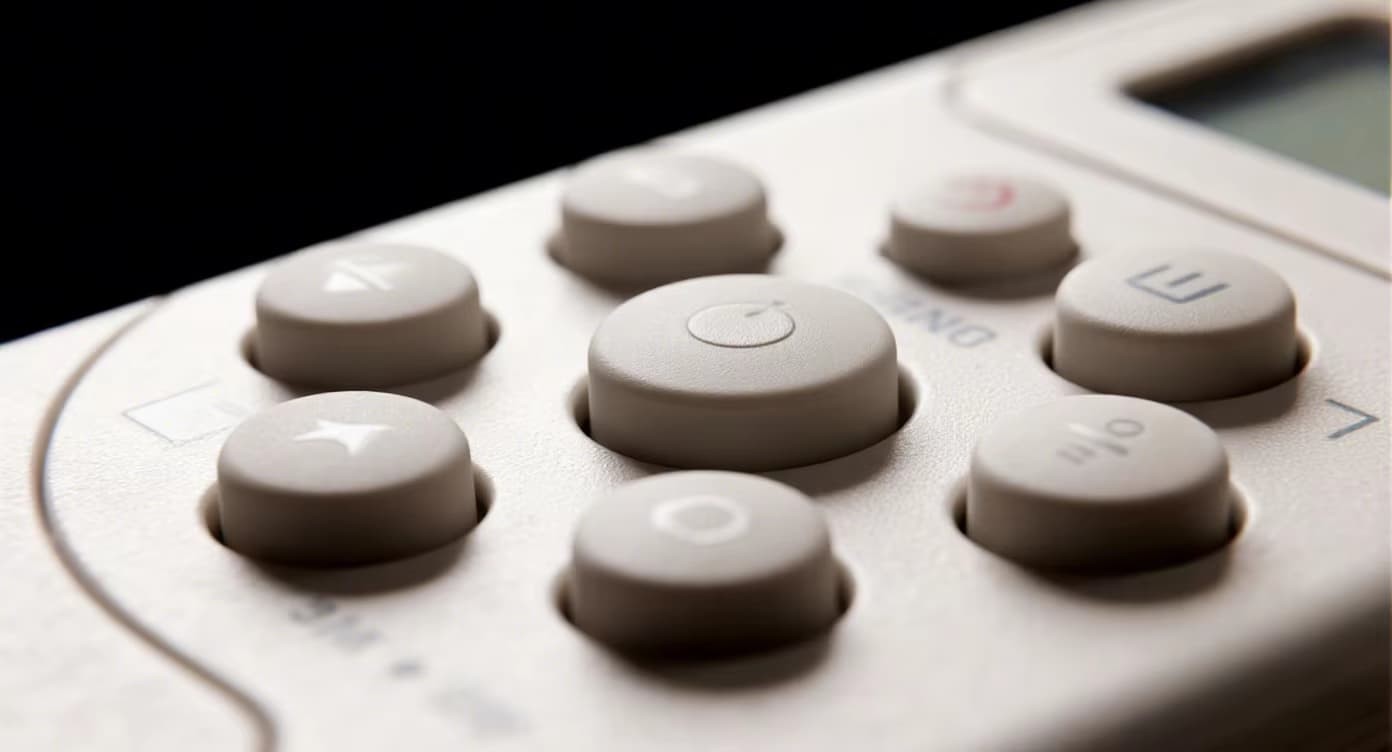
Two keypads can look identical and press like different products because feel is set by five numbers, not by appearance: Shore A hardness, web thickness, key travel, snap ratio and actuation force. Change the web alone and a 60 gf key becomes a 150 gf key on the same compound.
The answer for design teams is to specify feel as a force-and-travel target in grams-force, then treat hardness and web geometry as the variables that hit it. Buyers who specify only "soft" or "firm" receive whichever sample the mould happened to produce first.
Shore A hardness sets the baseline
Hardness scales the whole force curve. On a 0.8 mm web, 40–50 Shore A gives a light press at 60–100 gf and roughly 100,000 cycles; 55–65 Shore A lands at 120–170 gf, which is where remote controls and handheld medical devices sit; 65–75 Shore A moves to 170–230 gf with 500,000+ cycles; 75–85 Shore A feels close to plastic and is chosen for durability, not comfort.
The five-point rule
A five-point change in Shore A shifts actuation force by about 15–20 gf on identical geometry. That is useful for fine-tuning an approved sample and dangerous as a first specification, because a 10-point error leaves the key outside the range a thumb can repeat.
Hardness also limits what the key can carry. A very soft compound will not hold a deep tactile bump and a thick printed coat at once: the bump collapses and the legend wears at the crest.
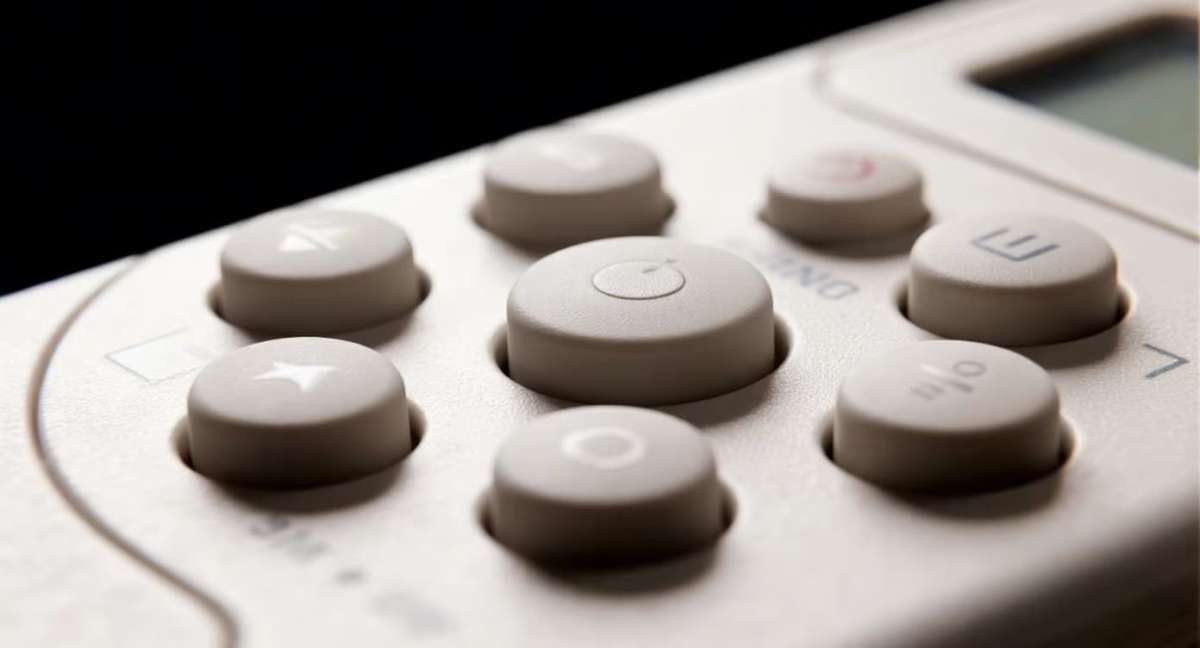
Same geometry, different compound: hardness is what the thumb reads first.
Web geometry and travel decide the rest
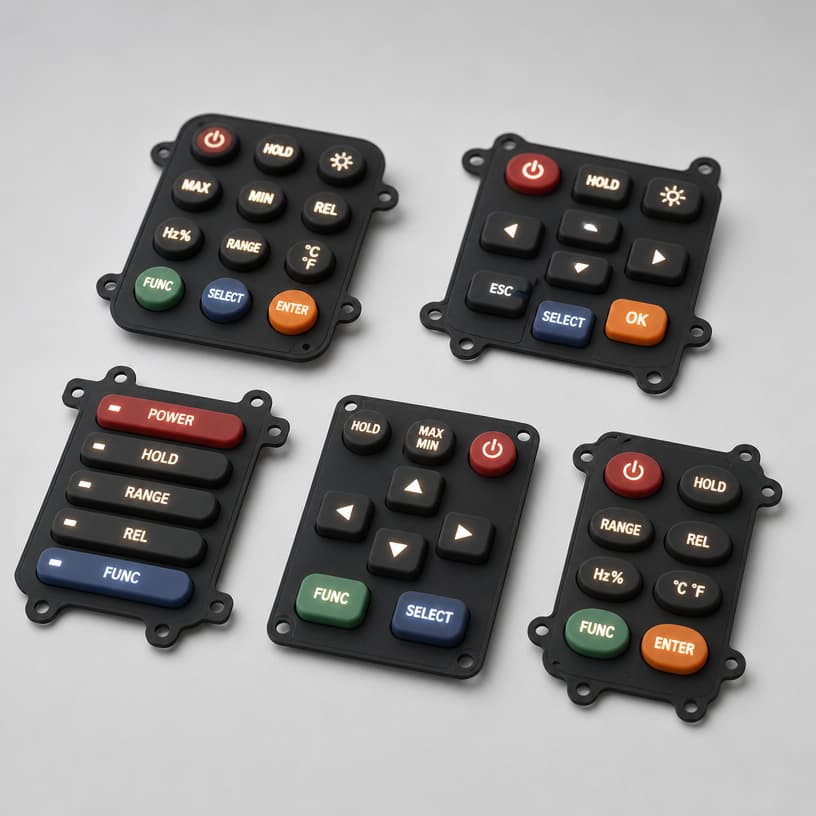
The web is the membrane joining each key to the base, and its thickness controls movement before the key bottoms out. A 0.3–0.5 mm web gives 1.5–3.0 mm of travel and a cushioned press. A 0.6–0.9 mm web is the balanced default. A 1.0–1.5 mm web stiffens the key and cuts travel to 0.5–1.0 mm, which is how industrial panels stop accidental presses through gloves.
Flat web versus curved web
Shape does what thickness cannot. A curved or S-shaped web folds instead of stretching, adding travel and softening the press without dropping hardness. Flat webs give a shorter, more direct stroke. Travel bands read as follows: 0.3–0.6 mm is short and crisp, 0.8–1.2 mm standard, 1.5–3.0 mm long and soft — though long travel without adequate snap ratio feels mushy.
Web thickness changes feel without changing compound or tooling geometry.
Matching a force curve to the application
Three validated specifications show how the variables combine.
| Application | Shore A | Web | Travel | Actuation force | Why |
|---|---|---|---|---|---|
| TV remote control | 65 | 0.8 mm | 0.8 mm | 130 gf | Comfort over long use |
| Medical handheld monitor | 70 | 1.0 mm | 0.6 mm | 180 gf | Blocks accidental presses |
| Industrial control panel | 75 | 1.2 mm | 0.5 mm | 220 gf | Gloved operation, 1M cycles |
The medical row is firm because an accidental press on a monitor is a clinical event, not a nuisance. The industrial row adds short travel so a resting gloved thumb cannot trigger a function, and accepts less feedback in exchange. The consumer row trades cycle life for comfort.
Snap ratio: the part of tactile feedback buyers forget
Snap ratio is the percentage of force that drops after the key collapses. Under 40% the key feels linear and silent; 40–55% gives moderate confirmation; 55–70% produces the crisp click associated with mechanical keyboards. It is set by keycap geometry and web design, so two keys at the same hardness and force can feel nothing alike.
A high snap ratio also shortens perceived travel: industrial keys can be stiff and quick at once. When users say a key "does not tell them it worked", the fix is geometry, not a heavier spring.
Specify feel as a band, not a point: force ±20 gf, travel ±0.1 mm, plus a snap ratio range. One number cannot be held across cavities, and a supplier who promises one has not measured a production run.
How to specify feel before you have a sample
Three things make the review objective: a force-travel curve from a Z-axis tester rather than a single peak force, a reference product the team agrees feels right, and a hardness tolerance in Shore A on the drawing.
Validation then runs in two rounds. A prototype mould confirms geometry and travel; a compound change at the same geometry confirms force without retooling, because hardness moves in small steps while the cavity stays untouched. Where the target is subjective, send the previous model: a measured curve beats a page of adjectives.
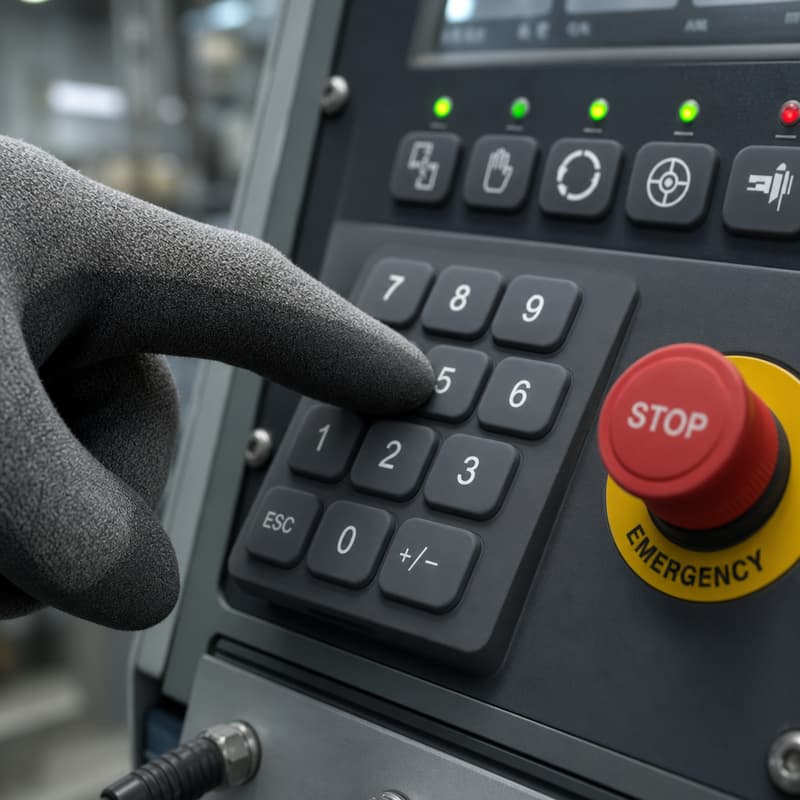
A gloved press is the real test: short travel and high force stop a resting thumb triggering a function.
Questions buyers ask about keypad feel
Can we soften a keypad without a new mould?
Often yes. Dropping 5 Shore A moves force about 15–20 gf at the same geometry, and thinning the web slightly adds travel. Both are cheaper than a new cavity but must be re-validated on the force-travel curve.
Why does the same keypad feel different in winter?
Silicone stiffens as temperature falls, so a key specified at 20 °C reads higher force in an unheated warehouse. If the product ships to cold markets, specify force at the lowest service temperature.
Does longer travel always feel softer?
Not alone. Long travel without enough snap ratio reads as mushy, and long travel on a thin web feels loose. Travel, web thickness and snap ratio have to move together.
How many cycles should a stiff key last?
Keys at 65–75 Shore A are typically rated 500,000 cycles and above, and a 1.2 mm web panel specification can reach 1,000,000. Very soft keys at 40–50 Shore A are usually quoted near 100,000.
Send a reference key and a force target
Tell us the force band, the travel you want and the environment the key lives in. We will propose hardness and web geometry, then prove the feel on a prototype before tooling is committed.
Review the custom silicone rubber keypad range, or read the design guidance under silicone keypad design technical support.