Why Touchscreen Cannot Replace Silicone Keypads?
- Share
- publisher
- Suey
- Issue Time
- Jul 21,2025
Summary
Where silicone keypads still beat a touchscreen: gloves, wet hands, eyes-free operation, vibration and sunlight, the conditions each interface suits, and how to specify a keypad for gloved industrial work.

Touchscreens did not replace keypads on industrial equipment for the same reason they did not replace them in cars: a control that must work with a glove, in the rain, without looking, is a different problem from a control that must show rich information.
This is where silicone keypads still win, where a touchscreen wins, and why most serious machines end up with both.
Where Do Silicone Keypads Still Beat a Touchscreen?
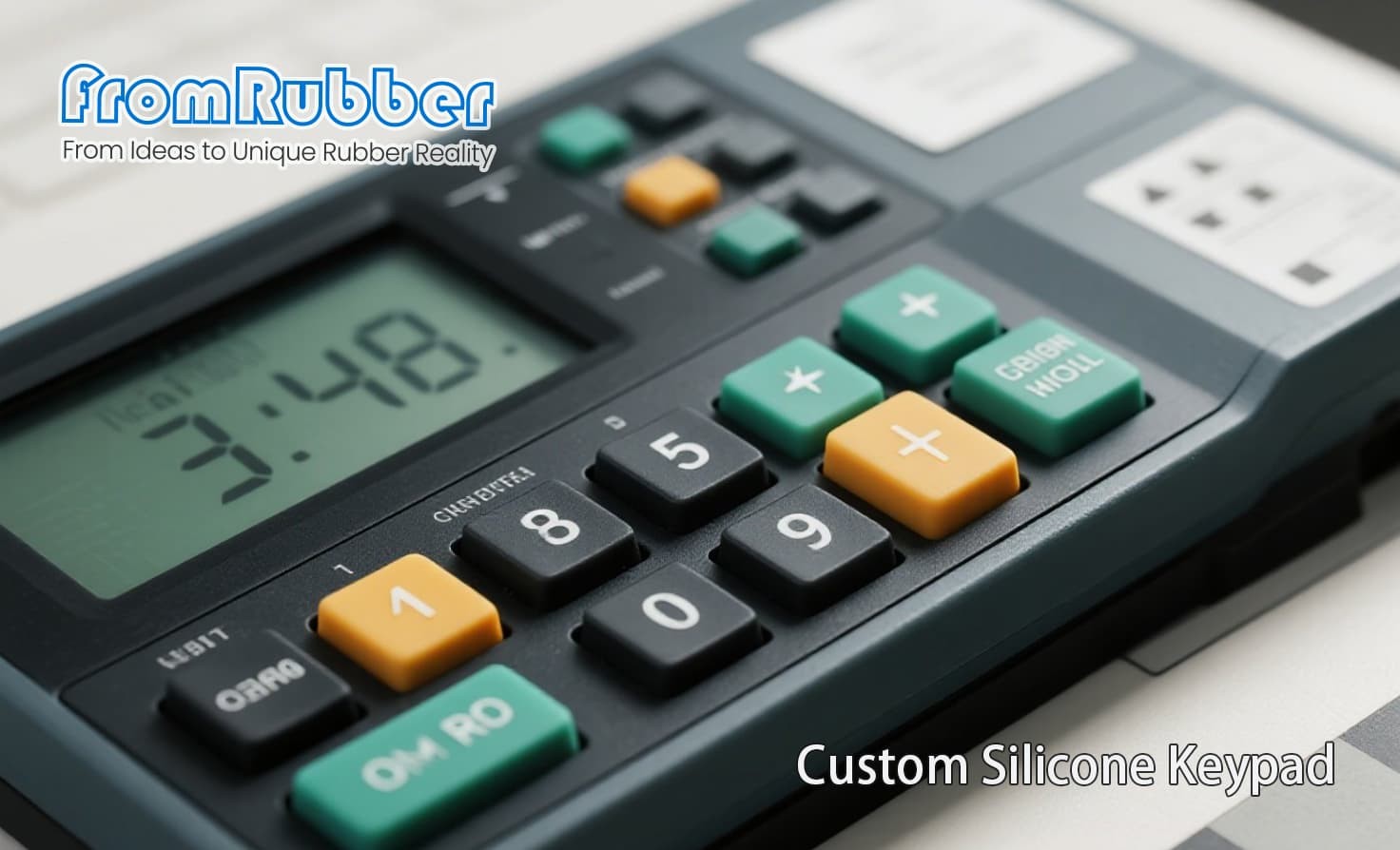
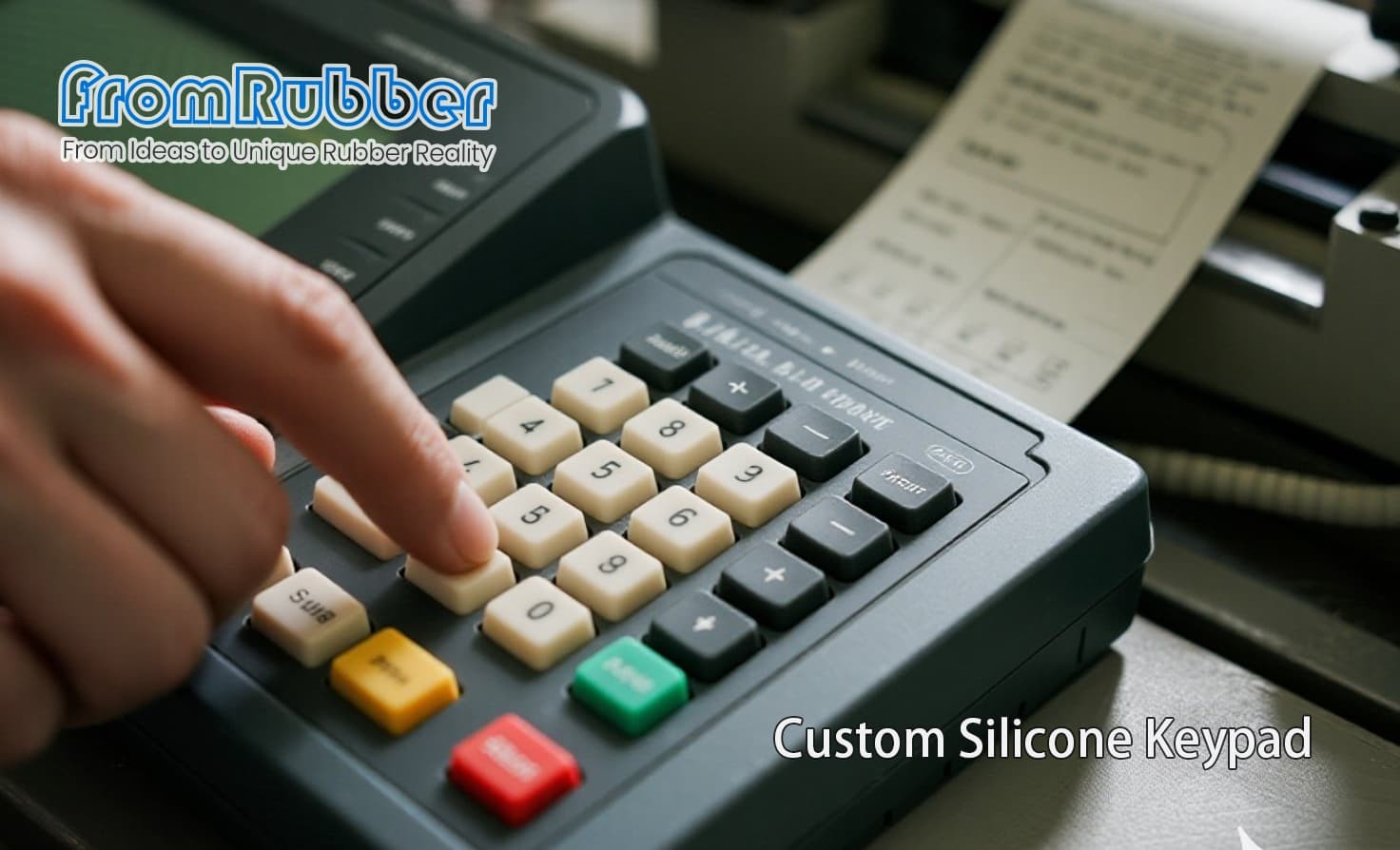
The direct answer: wherever the operator cannot look, cannot take a glove off, or cannot be sure the panel is clean. A keypad gives position by touch and confirmation by feel. A touchscreen gives neither without looking, and it fails differently when wet, oily or gloved.
Add the environment and the case strengthens. Capacitive panels struggle with gloves and water films; resistive panels accept gloves but wear at the point of repeated pressing. A moulded keypad has no transparent layer to scratch and no firmware between the press and the contact.
The Conditions That Decide It
The rows that matter most in practice are gloves and eyes-free operation, and both are usually decided by the customer's own workforce rather than by the engineering team.
| Condition | Favours keypad | Favours touchscreen |
|---|---|---|
| Gloves | Yes, by a wide margin | Only with resistive or specialised capacitive |
| Wet or oily hands | Yes | No, without a controlled surface |
| Eyes-free operation | Yes: tactile location | No |
| Information density | Limited to what is printed | Yes: menus, graphs, softkeys |
| Vibration and shock | Robust; no moving display | Depends on the display and its mounting |
| Sunlight readability | Legends are passive | Needs a bright, expensive display |
| Field service | Replace the panel | Replace display and controller |
When a Touchscreen Is Genuinely the Better Answer
Three situations justify a touch interface. The machine has many functions and a physical panel would need a hundred keys. The interface must change per product or per language. Or the display is the product, and showing information is the primary job rather than a secondary convenience.
In those cases a keypad does not compete, and forcing one produces a panel covered in legends that nobody reads. The realistic design response is a hybrid: a screen for information and softkeys, plus a small moulded keypad for the functions that must work in any condition.
Specifying a Keypad for a Gloved-Worker Environment
Five requirements cover most of it. Actuation force high enough to be felt through a glove, but low enough to avoid fatigue across a shift. Key separation wide enough that two adjacent keys cannot be pressed at once with a thick glove. Tactile confirmation that survives cold, because a compound that stiffens at low temperature raises force exactly when the operator is wearing more layers. Legends that cannot be worn off by a glove seam. And a surface that can be wiped with the plant's cleaning chemical without going sticky.
Start and stop functions should also be physically distinct, with different shape or colour, so they can be found without looking. That single decision does more for operator safety than any interface technology.
The construction that supports these requirements is a dome-switch keypad with a sealed legend, described on our tactile silicone keypad page, and the electrical behaviour is explained in the article on conductive silicone keypad buttons.
Frequently Asked Questions
Can a touchscreen work with gloves?
Sometimes, with a resistive panel or a capacitive panel tuned for gloves. Both compromise elsewhere: resistive wears at the press point, and glove-tuned capacitive panels often become over-sensitive to water films.
Are silicone keypads obsolete?
No. They remain the default for equipment where the operator cannot look at the panel, where the environment is wet or oily, or where a press must be confirmed without feedback on a screen.
What wears out first on a keypad panel?
Usually the legend or the carbon contact rather than the silicone body. Laser-etched legends and a correctly sized contact pill both extend life far beyond a printed legend.