What Causes Silicone Screen Printing Ink to Peel? 5 Root Causes & 7 Solutions
An engineering deep-dive into silicone ink adhesion failures and how ISO-certified manufacturers prevent them. Backed by 15 years of custom silicone manufacturing.
Quick Answer: Why Silicone Ink Peels
Silicone screen printing ink peeling happens when the ink cannot form a permanent chemical bond with the silicone surface. The five primary causes are all preventable with the right process control.
5 Root Causes of Ink Peeling on Silicone Products
| # | Root Cause | Frequency | Key Prevention |
|---|
| 1 | Non-silicone-specific ink — using ordinary plastic or universal ink that cannot chemically bond with silicone | Very Common | Use platinum-cure silicone ink only. Check batch certification before use. |
| 2 | Insufficient curing — incorrect temperature or duration leaves ink under-cured and weakly attached | Common | Cure at 150-200°C for 20-30 min. Calibrate ovens weekly. Log every batch. |
| 3 | Surface contamination — mold release agents, oils, or dust create an invisible barrier between ink and silicone | Very Common | 3-stage cleaning: degrease + ultrasonic + alcohol wipe. Plasma treat before printing. |
| 4 | Over-thick ink layers — thick ink films cannot stretch with flexible silicone, causing micro-cracks | Moderate | Print 2-3 thin layers (10-15µm each) with flash curing between passes. |
| 5 | Expired or poorly stored ink — degraded reactive components prevent proper cross-linking | Moderate | Shelf life 6 months at 3-5°C. Check batch dates before production. |
Deep Dive: Understanding Each Peeling Cause
Cause #1: Non-Silicone-Specific Ink
The problem: Some manufacturers use ordinary plastic ink or universal ink to cut costs. These inks cannot form a chemical bond with silicone's low-surface-energy molecular structure. The ink merely sits on the surface and peels at the first sign of friction or cleaning.
The science: Silicone-specific ink uses a platinum-cure or addition-cure system that chemically cross-links with the silicone substrate during high-temperature baking. This creates a permanent molecular bond, not just surface adhesion.
The solution: Always verify that your manufacturer uses dedicated silicone ink with batch traceability. Request ink certification documents before production.
Cause #2: Insufficient Curing
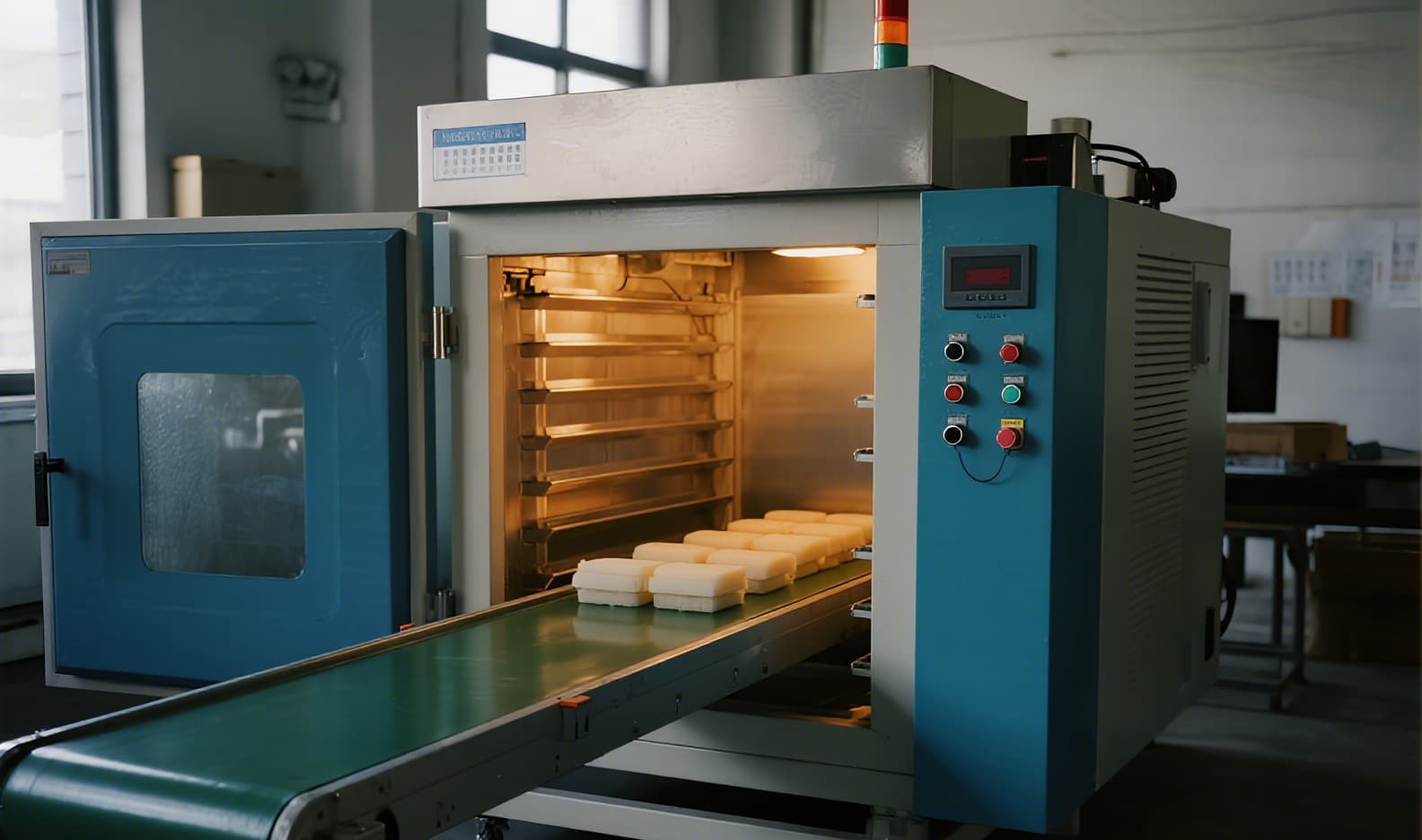
The problem: Silicone ink is not like paint that dries in air. It requires precise high-temperature curing (150-200°C for 20-30 minutes) to trigger chemical cross-linking. Common curing failures include: oven temperature 30-50°C below set value (uncalibrated equipment), rushed production with shortened bake times, uneven heat distribution in older ovens, and incorrect catalyst mixing ratios.
The result: A soft, tacky ink layer that appears dry but is weakly attached — it will peel under normal use within weeks.
The solution: Weekly oven calibration, temperature data logging per batch, and sufficient dwell time at target temperature.
Cause #3: Surface Contamination
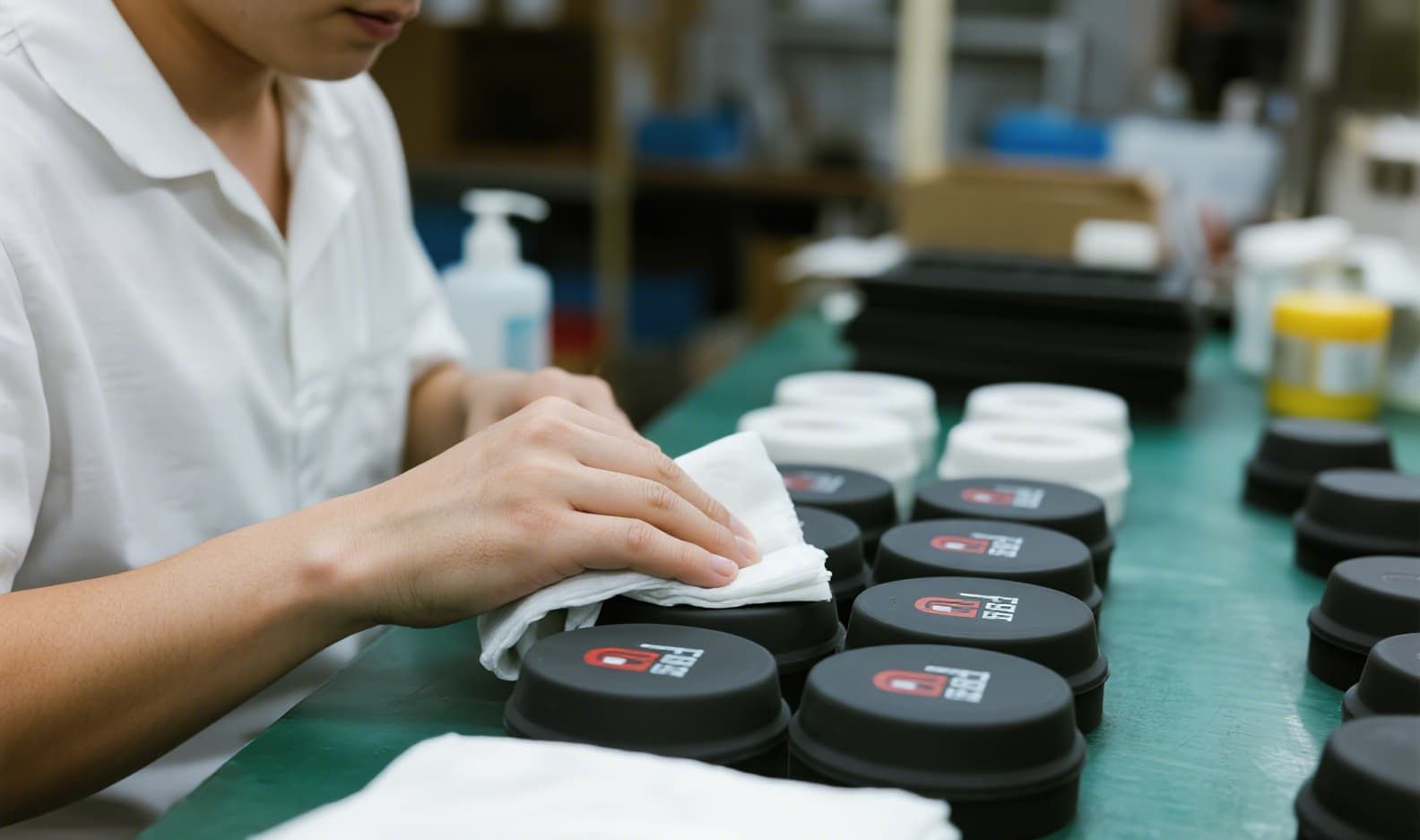
The problem: This is the "invisible killer." During silicone compression or injection molding, mold release agents (silicone oil, Teflon sprays) leave an invisible film on every part surface. Workshop dust and natural silicone oil migration to the surface add more contamination. The result: ink cannot reach the actual silicone surface.
The hidden cost: Many manufacturers skip proper cleaning to save time and money, leading to high peeling rates that are blamed on "bad ink" rather than the real cause.
The solution: A multi-step cleaning protocol: isopropyl alcohol wipe, plasma or corona surface treatment to raise surface energy above 38 dynes/cm, and in-line cleaning immediately before printing.
Causes #4 & #5: Thick Layers & Expired Ink
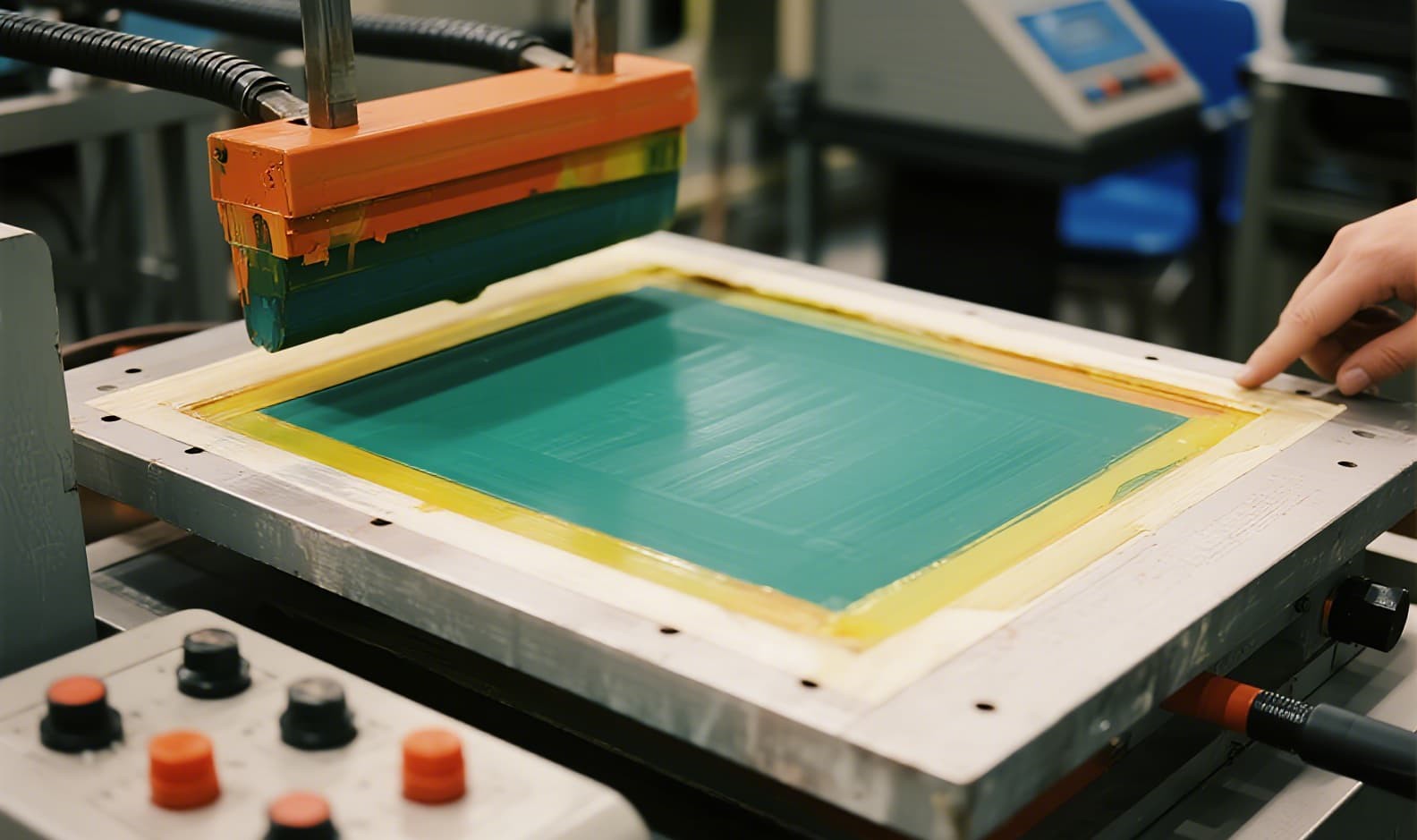
Cause #4 — Over-thick ink layers: When silicone ink exceeds 30-40 microns, the dried film becomes rigid and brittle. Silicone products are highly flexible. The thick ink layer cannot flex with the silicone, causing micro-cracks that grow into full delamination.
Solution: Use a "thin print, multiple passes" approach — 2-3 thin layers (10-15µm each) with flash curing between passes.
Cause #5 — Expired or poorly stored ink: Silicone ink has a shelf life of 6 months at 3-5°C. After expiration, the platinum catalyst degrades and the ink loses its ability to cross-link.
Solution: Implement first-expiry-first-out (FEFO) ink management. Check batch dates before every production run.
3 Industry-Standard Adhesion Test Methods
| Test Method | Procedure | Pass Criteria |
|---|
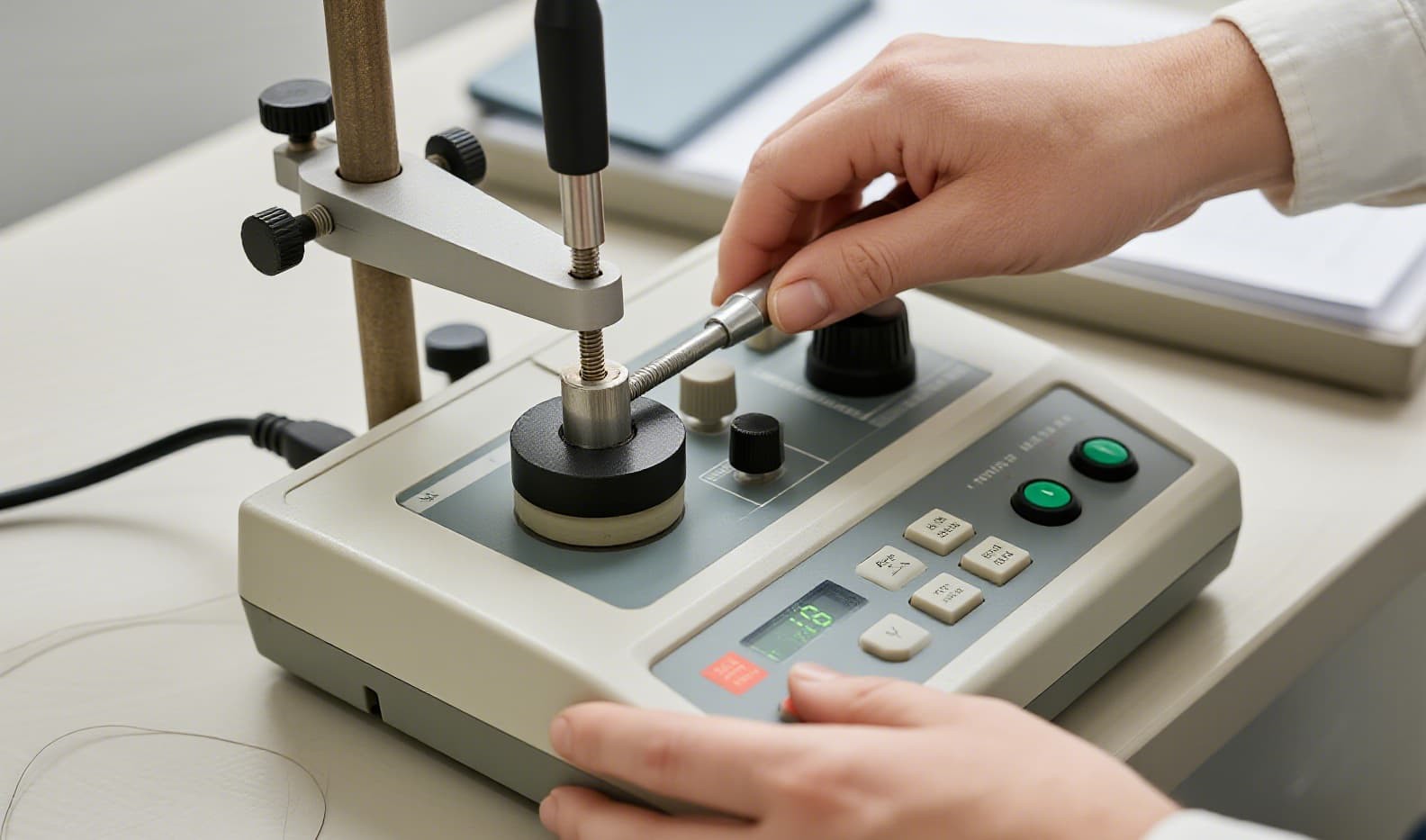
| Cross-Hatch Tape Test (ASTM D3359) | Grid cuts made through ink layer, tape applied and pulled at 180° | Grade 4B or 5B (less than 5% ink removal) |
| Rubbing / Abrasion Test | Standardized rubbing with cotton cloth (50-500 cycles), dry and wet | No visible ink removal after test cycle |
| Cross-Cut & Crease Test | Printed part folded 180° at the printed area to check flexibility | No cracking, peeling, or delamination along the fold |
7-Step Quality System for Zero Ink Peeling
1Material Selection Verification
We use only premium platinum-cured silicone and batch-traceable silicone-specific inks. Every material lot is tested for compatibility before production.
2Pre-Print Surface Cleaning
3-stage cleaning — degreasing to remove mold release agents, ultrasonic cleaning for deep particle removal, and alcohol wipe for final surface preparation. No shortcuts.
3Surface Activation Treatment
For critical applications, we apply plasma treatment or silicone primer (treatment water) to raise surface energy above 38 dynes/cm, ensuring optimal ink wetting and adhesion.
4Precision Controlled Curing
Our 2 infrared ovens are calibrated weekly with ±2°C accuracy. Every production batch is logged with cure temperature, duration, and operator ID.
5In-Process Quality Sampling
QC inspectors pull samples every 2 hours during production runs for cross-hatch tape tests and rub tests. Any deviation triggers immediate process adjustment.
6Environmental Control
Workshop temperature (20-25°C) and humidity (40-60%) are monitored continuously. Printing stations are located in dust-controlled zones.
7Full Batch Traceability
Every production batch is coded with raw material lot numbers, machine ID, operator ID, and QC test results — enabling complete traceability from raw material to finished product.
FromRubber Track Record: Over 15 years, we have produced 150,000+ silicone parts daily with screen printing across 20 machines and 4,000+ stencils, maintaining a defect rate below 0.3%. We hold ISO9001, IATF16949, and ISO14001 certifications and serve global brands including Samsung, LG, and Televic.
Frequently Asked Questions
Can silicone keypad screen printing survive 10,000+ keystrokes?
Yes, with silicone-specific ink, proper curing, and a protective overprint varnish, printed characters on silicone keypads can withstand 100,000+ actuations without visible wear.
Is screen printing on silicone FDA compliant?
Yes, with the right ink formulation. FromRubber offers FDA-compliant screen printing for food-contact silicone products with full documentation.
How much does screen printing add to the unit cost?
For standard single-color screen printing on silicone keypads, the typical add-on is $0.02-$0.08 per piece depending on order quantity and print area complexity.
ISO9001 & IATF16949 & ISO14001 Certified • 15+ Years Experience • 7,569+ Projects • 3,300+ Global Clients • 150,000 Parts Daily Output
Need Silicone Printing That Won’t Peel?
Get a free DFM analysis + sample quote within 24 hours. Our engineers will review your design and recommend the optimal printing solution for your application.
Request Free Quote