Review your silicone keypad before tooling. Get help with fit, contacts, key feel and backlighting. Share a drawing or sample to start.
Check your design before tooling
Design for manufacturing (DFM) helps identify issues early.
- Check keypad, housing and PCB fit.
- Choose contacts and key feel.
- Plan legends, backlighting and sample checks.
Need an NDA? Discuss it with us before sending confidential files.
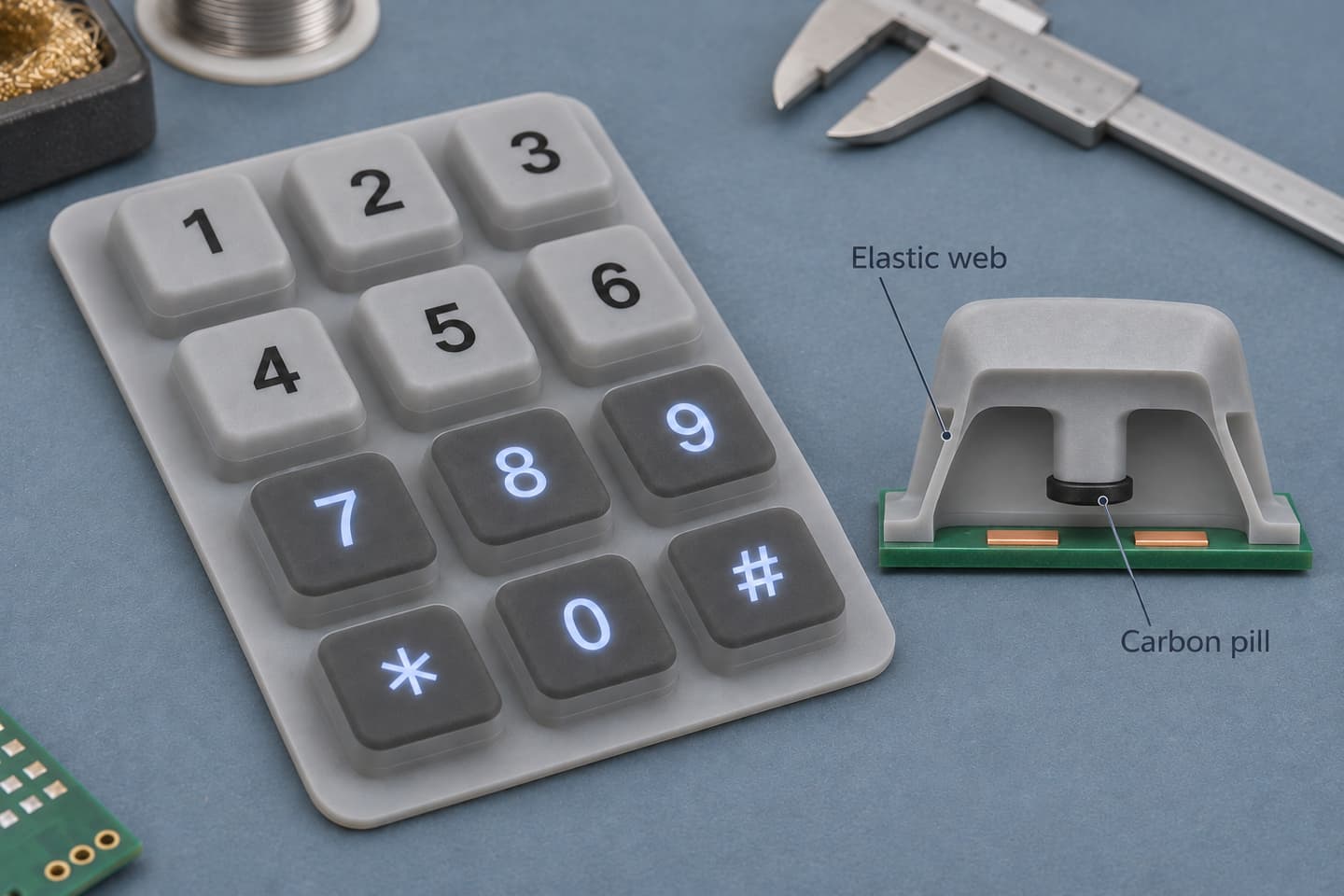
1. Choose your keypad design support
2. Check keypad fit and tolerances
Review the keypad, housing and PCB together.
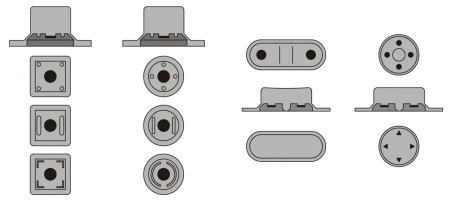
Focus on three fit checks
- AlignmentLine up the keys, housing openings and PCB pads.
- ClearanceAllow each key to move and return freely.
- ToleranceMark the dimensions that affect fit and function.
| Send us | We check |
|---|---|
| Keypad drawing or sample | Key spacing, base thickness and locating features |
| Housing drawing | Key openings, clearance and mounting |
| PCB drawing or pad layout | Contact positions and alignment |
3. Set keypad force, travel and contacts
Tell us how the key should feel. A reference sample can help.
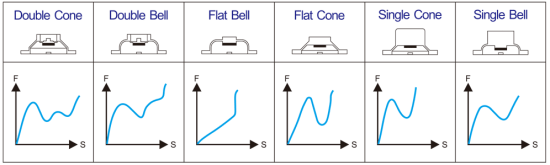
Define the key response
- Press forceHow hard should the user press?
- TravelHow far should the key move?
- ReturnDoes the key release freely in the housing?
Contact type
Match carbon contacts, domes or switches to the PCB.
Assembly fit
Check how the housing affects key movement.
Sample checks
Agree on a test method and acceptance criteria.
4. Plan clear legends and backlighting
Review the silicone, coating and light source together.
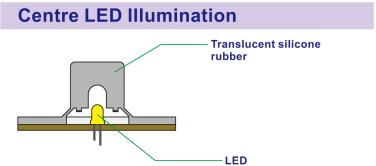
Check light where it matters
- BrightnessCheck light through the silicone and legends.
- Light controlCheck bright spots and light leaking between keys.
- Surface finishChoose a coating for touch, wear and cleaning needs.
5. Move from requirements to samples
Send the basics
Share drawings, photos or a sample.
Review the design
Agree on materials and key requirements.
Check the sample
Confirm fit, function and appearance.
6. Send your keypad project details
- Drawings, photos or a sample
- Use conditions and key requirements
- Target quantity
Still working on the CAD? Send what you have.
Discuss NDA requirements before sending confidential files.