Handheld Meter User Complaints Often Trace Back to One Silicone Button Pad Flaw
- Share
- publisher
- Suey
- Issue Time
- Aug 25,2026
Summary
Sticking keys, dead keys, ghost presses and worn legends - how handheld meter user complaints trace back to a single silicone button pad flaw and how to fix it at the source.
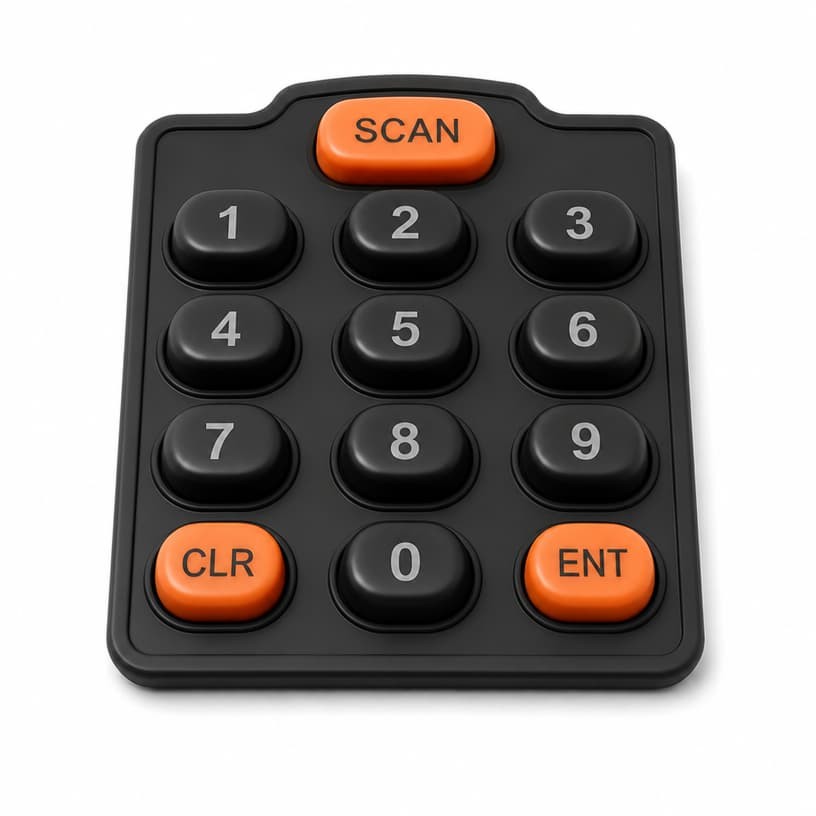
Root-Cause Analysis
"The keys stick." "The enter button is dead." "The numbers wear off." Read any batch of handheld meter reviews and the same short list of complaints appears - and it is the same list that comes back from the field on meters of every brand. The pattern is rarely random. Most handheld meter user complaints trace back to one silicone button pad flaw, repeated across a design family. This article maps the most common complaints to their root causes in the button pad, and shows how to fix them at the source instead of in the warranty department.
1. The Most Common Handheld Meter Keypad Complaints and Their Root Causes
Collect field complaints from any handheld meter program and they cluster into four buckets: sticking keys, dead or intermittent keys, ghost presses, and worn legends. Each bucket has a distinct root cause in the silicone button pad:
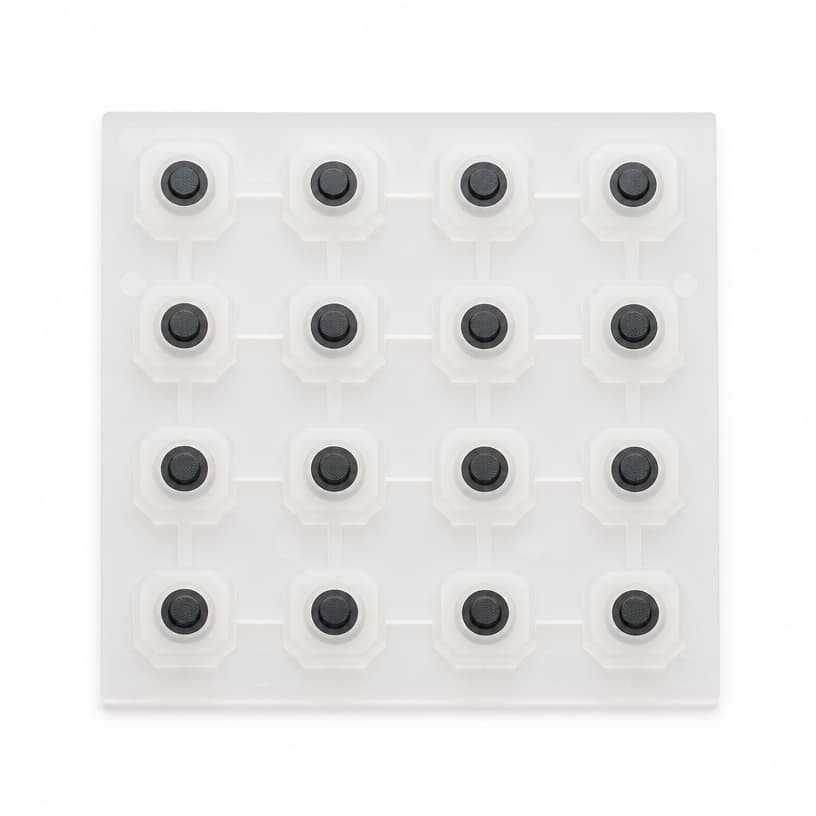
- Sticking keys - webbing geometry, surface tack, or a clearance gap too small for humidity swelling.
- Dead / intermittent keys - contact system: carbon pill alignment, pad finish, or conductive ink wear.
- Ghost presses - contact bounce misread, pill bridging adjacent traces, or contamination between traces.
- Worn legends - legend process chosen for cost, not for the cleaning and abrasion regime.
The recurring insight from our analysis of the most common silicone keypad defects is that each complaint is a symptom of a spec or geometry decision - fix the decision, and the whole complaint class disappears.
2. Sticking and Slow Rebound in Handheld Meter Silicone Button Pads
A sticking key is the complaint users phrase most emotionally - it makes a professional instrument feel broken. The mechanical root cause is usually one of three: the key cap's clearance to the housing is too small once the pad swells with humidity; the webbing is too thin or the material too tacky, so the dome cannot lift the cap cleanly; or the escape clearance under the pad is missing, so the pad acts as a suction cup against the PCB. The sticking and return failure guide walks through all three with dimensional diagnostics.
Slow rebound - the key returns but lags - points to compression set in the webbing or a material grade with too much internal damping. It is the complaint that grows with meter age, and it is the same mechanism that shows up in aged keypad failures on spectrum analyzers: the pad is not broken, it has simply aged out of spec. The fix is material and geometry margin, not a warranty swap of individual units.
3. Dead Keys and Ghost Presses: Contact System Flaws
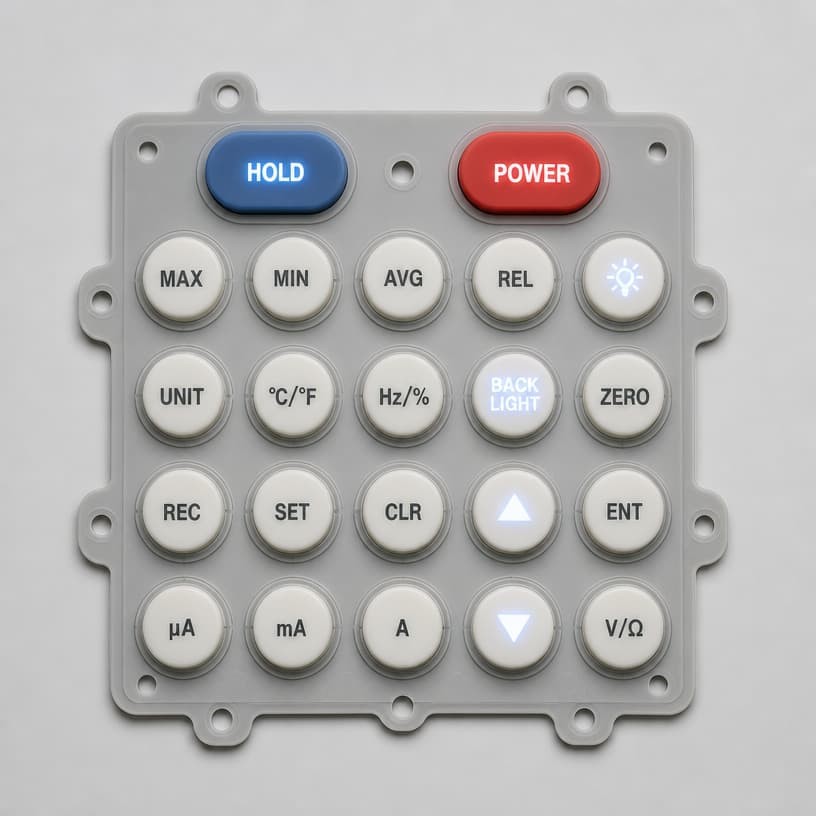
Dead keys and ghost presses are electrical symptoms with mechanical root causes. A dead key means the contact never closes reliably: the carbon pill misses the PCB pads (misalignment), the pill surface is contaminated, or the pad finish has oxidized. Ghost presses - a key registering when another is pressed, or registering on its own - mean the pill is bridging adjacent traces, or contamination has created a conductive path between traces. Both are traceable with a contact-resistance map of the keypad, and both are prevented at the design stage: pad geometry with correct finger redundancy, gold-plated pads, and adequate trace spacing. The conductive pill resistance guide and the PCB assembly troubleshooting guide cover the full diagnostic tree.
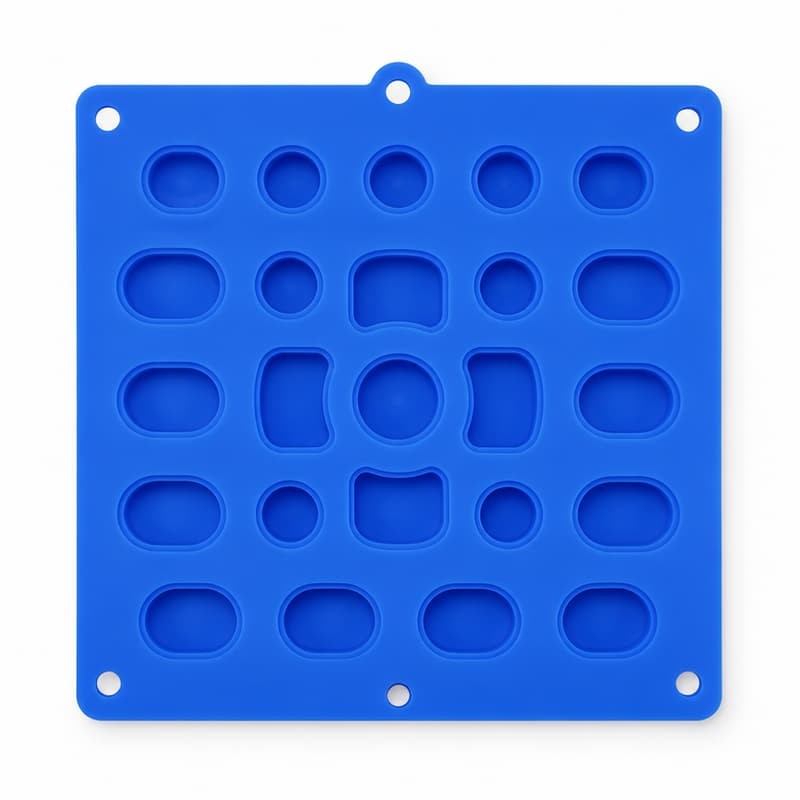
The oscilloscope story is a warning for every handheld instrument: silicone buttons that die in two years turned out to be a contact system specified at the wrong margin - a spec change at the source fixed an entire product line's reputation problem.
4. Legend Wear: The Complaint That Kills Brand Trust
Worn legends are the complaint that engineers dismiss as cosmetic - and the one that end users read as "this meter is not accurate anymore". A numeral that has worn off a calibration key undermines trust in the reading itself. Legend durability is decided by the process: screen-printed ink sits on the surface; laser-engraved or laser-etched legends go into the material and survive far more abrasion and cleaning. The silk printing wear and 3M tape test guide explains the acceptance tests; the alcohol wipe case shows how a cleaning habit in the field defeats a legend process chosen for cost.
For handheld meters used with gloves, solvents or heavy thumb use, the rule is simple: specify laser-etched or laser-engraved legends with a defined rub count, and require the 3M tape test plus an alcohol-rub test in the acceptance plan. The cost difference is small; the trust difference is not.
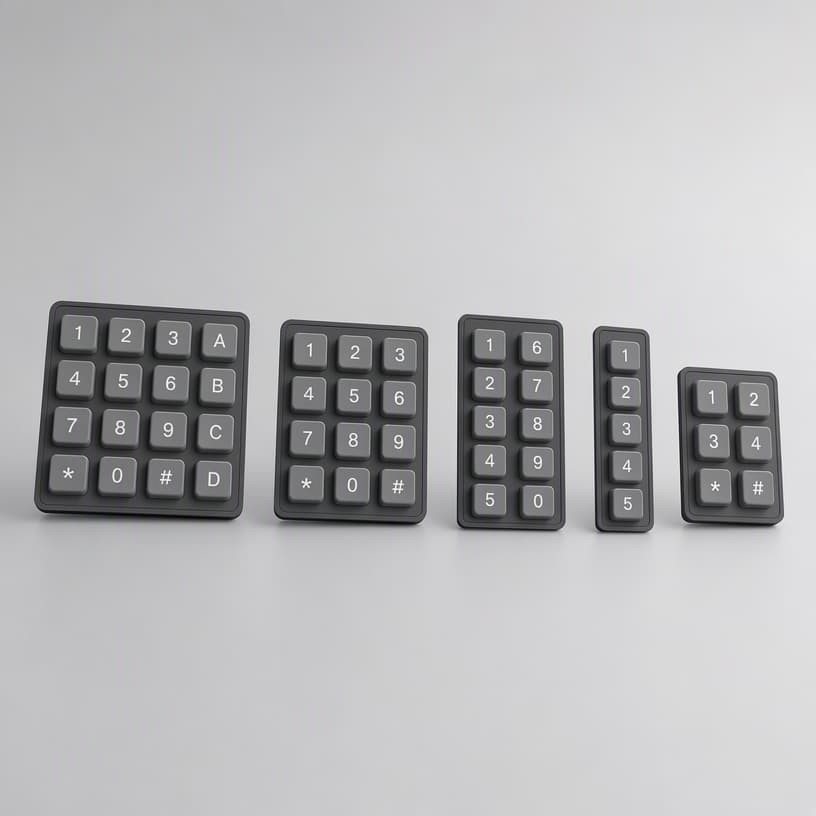
5. Case Study: A Complaint Cluster Traced to One Silicone Button Pad Flaw
A handheld ultrasonic thickness gauge received 300+ field complaints in one year, clustered on three symptoms: the ENTER key intermittent, occasional double-entry, and the ENTER legend worn smooth. Three complaints, one root cause: the ENTER key's carbon pill was 0.4 mm offset from the PCB pad center due to a locating-hole design that let the pad drift during assembly. The offset reduced contact margin - hence intermittency and bounce misreads (double-entry) - and the legend was printed, so it wore with the heavy ENTER use.
The fix at source: a locating-pin scheme that locked pad position, a pill diameter increased by 0.5 mm for extra bridging margin, and laser-etched legends on the high-use keys. Complaint volume dropped to the noise floor within two quarters, and the same design rules were rolled into the company's other instruments. One root cause, three complaints, one fix - which is exactly why complaint analysis should look for the shared flaw, not the individual symptom.
6. A Complaint-Driven Checklist for Meter Keypad Improvement
Cluster complaints by symptom and by key position before touching any design
Measure contact resistance per key to separate contact flaws from mechanical ones
Check pad alignment and locating features when dead or intermittent keys cluster on one row
Verify trace spacing and pill geometry when ghost presses appear
Upgrade high-use key legends to laser-etched with a defined rub count
Fix the shared root cause - then confirm the whole complaint class disappears
Sources and Further Reading
Technical background draws on published material from LuphiTouch - Electrical Contact Mechanisms in Silicone Rubber Keypads, Shin-Etsu Polymer - contact element products, and Google Patents - keypad contact designs. Complaint and fix data reflect FromRubber root-cause records for instrument keypad programs.
Trace Your Meter's Complaint Cluster to Its Root Cause
Send FromRubber your field complaint data or a returned-failure sample. We will map the symptoms, run the diagnostics, and return a root-cause report with a fix recommendation.
About FromRubber - FromRubber is a full-process silicone keypad manufacturer for handheld instruments, with in-house root-cause analysis, contact system engineering and legend process control.