Industrial Silicone Panel Keypads vs. Alternatives: An Honest Take
- Share
- Issue Time
- Sep 7,2026
Summary
Silicone panel keypads win on sealing, tactile feedback and custom geometry - and lose on long travel, flat cost-driven panels and flush glass. A requirement-based decision sequence.
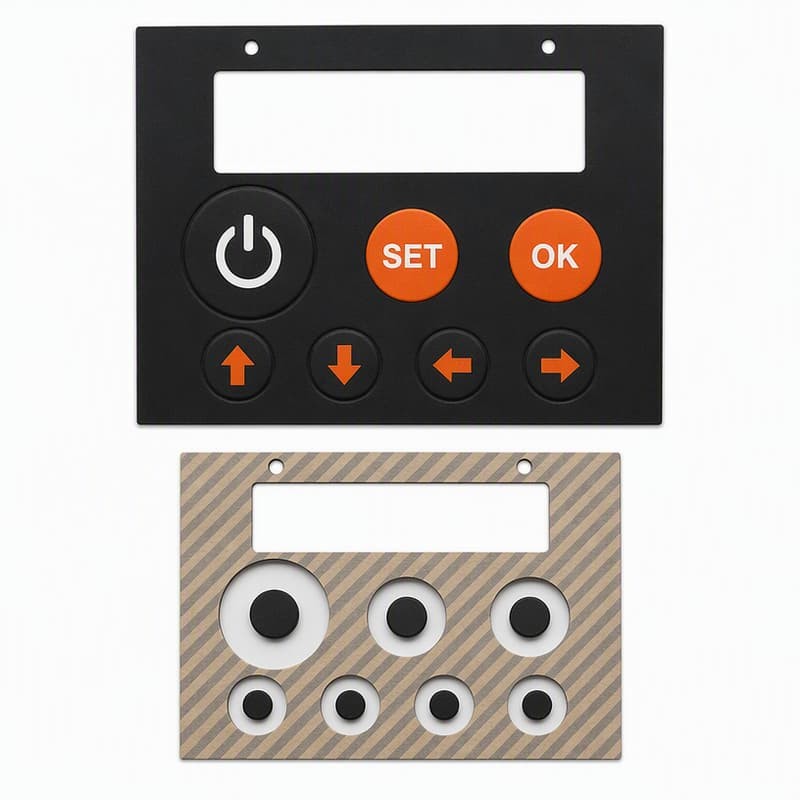
Ask an engineering forum whether to use a silicone panel keypad and you will get two confident answers that contradict each other. One camp calls silicone keypads obsolete, the other calls them indispensable. Both are selling something. A silicone panel keypad is a specific tool for a specific set of constraints, and it loses more often than its vendors admit. The useful question is not "is silicone good?" but "what is this panel actually asking for?"
Put the four candidates on the same table
For an industrial control panel, the realistic options are a silicone rubber keypad, a membrane switch, hard plastic keys over mechanical switches, and capacitive touch. They are not interchangeable, and the differences are measurable rather than stylistic.
| Requirement | Silicone keypad | Membrane switch | Mechanical key + plastic | Capacitive touch |
|---|---|---|---|---|
| Tactile feedback | Strong, tunable (snap ratio 40–60%) | Weak, dome-dependent | Strong, long travel | None, needs haptic motor |
| Sealing | Integral, IP65+ achievable | Good with overlay | Poor around individual keys | Good only if flush-sealed |
| Durability cycles | 1M+ with design | 1M+ typical | 0.5–1M typical | No moving parts |
| Tooling cost | Moderate | Low | Low to moderate | Moderate to high |
| Piece price at volume | Low to moderate | Lowest | Moderate | Higher |
| Wet / gloved operation | Works | Works | Works | Fails or degrades |
| Custom shape and texture | High freedom | Flat, limited | Moderate | Flat |
| Backlit legends | Laser etch + diffusion | Printed, LED backlight | Requires keycaps | Screen only |
The pattern in the table is the point: silicone wins where sealing, tactile feedback and custom geometry have to exist in one part. It loses where the panel is flat, cost-driven, and tactile feedback does not matter. Those are different products, and nobody should feel bad about choosing differently.
Where silicone wins, and why the win is real
The first place silicone keeps winning is washdown and outdoor equipment. A molded silicone pad seals the opening around every key at the same time it provides the switch feel — no gasket per key, no separate seal. With a correctly designed pad, IP65 and better is reachable in the same part that carries the legends (IEC 60529 defines the rating and the test [1]).
The second is gloved and wet operation. Capacitive touch loses sensitivity through gloves and drops out entirely with water on the surface; a mechanical key works but lets dust and liquid in around the stem. Silicone keeps working because it is a physical switch that does not care about the operator's gloves [2]. That is why medical and laboratory equipment, which must tolerate gloved hands and aggressive cleaning, keeps shipping silicone keypads where a touchscreen would be more impressive (we covered the medical monitor reasoning here).
The third is tactile certainty in dirty conditions. Industrial operators press buttons while watching the process, not the panel. A key with a 40–60% snap ratio confirms the press by feel [3]. A flat membrane or a capacitive surface offers no confirmation at all, and on a noisy line that is a real error source.
Where silicone loses, and the losses are real too
Long travel and audible click
If the application needs 3 mm of travel and a hard click — think instrument keyboards, some CNC pendant panels — silicone is the wrong answer. The web geometry that gives silicone its snap is a short-travel mechanism; forcing long travel makes the pad thick, heavy and tiring. A mechanical switch under a plastic keycap is the honest choice. Telling a customer this costs a quote and saves a project.
Ultra-flat, cost-driven panels
If the panel is a flat surface, the volume is high, and the buyer's target price is brutal, a membrane switch will beat silicone on cost per part and on assembly simplicity. Silicone's tooling and molding cost does not disappear just because the design is simple.
Flush glass aesthetics
If the product brief says "no visible buttons," capacitive touch under glass is the only path, and no amount of silicone engineering changes that. The right response is to not bid the silicone part.
When the panel mixes requirements, the decision gets specific
The interesting cases are the mixed ones, and they are most of them. A panel that needs IP65, gloved use, and a flat front is not asking for one technology — it is asking for a hybrid. A common working answer is a silicone keypad with a sealed overlay, or a silicone keypad whose legends are laser-etched for backlighting while the surrounding area stays flat. The technology decision should be made requirement by requirement, not brand by brand.
Two honest examples from our shop. A food-plant customer wanted capacitive touch for a washdown control panel because it looked modern. We talked them out of it: operators wear gloves, the panel gets hosed daily, and the touch surface would fail on wet hands. They shipped silicone and the panel survived its first washdown season. The other example is the reverse: a bench instrument maker wanted a silicone keypad with 3 mm of travel. We told them mechanical keys fit the requirement better, quoted them nothing, and they came back two years later with a proper short-travel panel. Losing that quote was the best service we sold them.
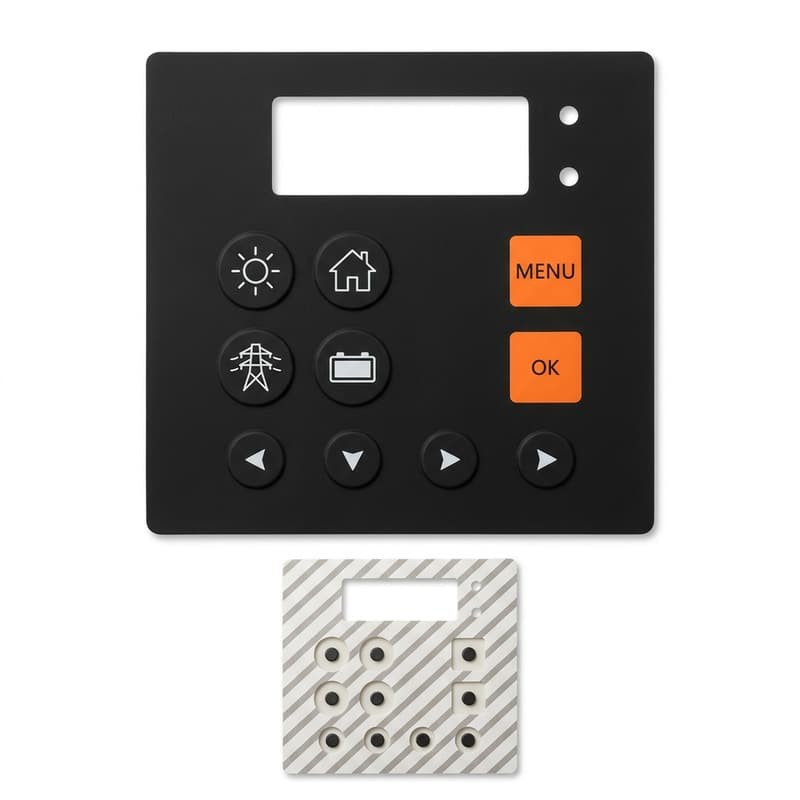
A decision sequence that works on the whiteboard
- Ask the sealing question first. IP65+ or washdown? If yes, silicone (or a sealed membrane) is the field, and everything else must prove it can seal.
- Ask the gloved/wet question. Gloves or water in normal use? That removes capacitive touch and favors physical switches.
- Ask the travel question. More than about 1.5–2 mm of travel with an audible click? That points to mechanical, and silicone should step aside.
- Ask the geometry question. Curved surface, molded texture, integrated seal, custom color? Silicone is the only candidate that does these in one molded part.
- Ask the cost question last, after the technical field is narrowed. Price only compares candidates that can actually do the job.
This sequence is deliberately boring. It keeps the decision on requirements and off vendor preferences — including ours.
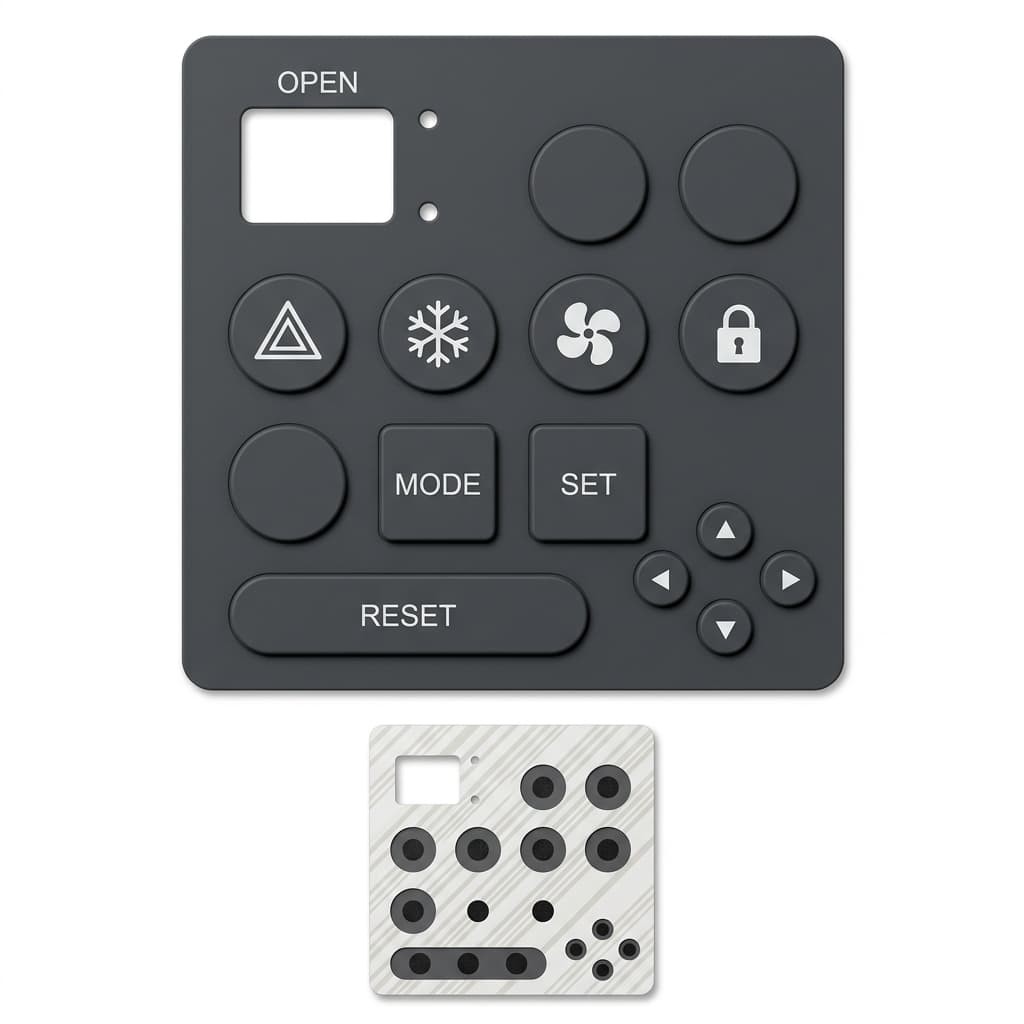
What to write into the spec once silicone is the choice
- Sealing class per IEC 60529 and the test condition (mated to which housing, with which gasket).
- Force-travel-snap data on finished parts, with actuation force tolerance (±25 g is a normal band) and the operating temperature range for the test.
- Legend durability and the cleaning agents the panel will see.
- Flammability and restricted-substance status: UL 94 rating, RoHS, REACH, tied to the material lot [4].
- The interface to the PCB: pill type, contact resistance target, and where the keypad mates to the customer's board — the keypad maker does not build the PCB, and the spec has to say who owns each tolerance.
FromRubber makes custom silicone keypads and panel pads for industrial, medical and appliance customers. We do not build PCBs, and we do not pretend to: our job ends where the keypad meets your board, and we document that interface instead of blurring it. If you are weighing silicone against an alternative for a panel, send us the requirement list, not the drawing, and we will tell you which candidate actually fits — including the cases where it is not ours.
Sources and test references used in this article:
- IEC 60529, Degrees of protection provided by enclosures (IP Code), current edition.
- Comparative behavior of touch and physical interfaces under gloved/wet use is documented in HMI practice references for medical and industrial equipment; see also the FromRubber article on medical monitors versus touchscreens.
- Diamond HMI, Rubber Keypad Design Guide: actuation force 125–150 g with snap ratio 40–60% recommended for tactile keypads.
- UL 94 (flammability), Directive 2011/65/EU (RoHS), Regulation (EC) No 1907/2006 (REACH).