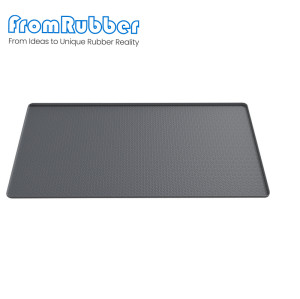
Multi-Use Silicone Desk Pad with Mouse Pad for Home Office
Item specifics
- Design
- Follow 3D Drawing Or Physical Object
- Printing
- Silk Screen Printing,Laser Etching
- Feature
- home office organization and remote work
- MOQ
- 1000pcs
- Application
- Home Office
Review
Description
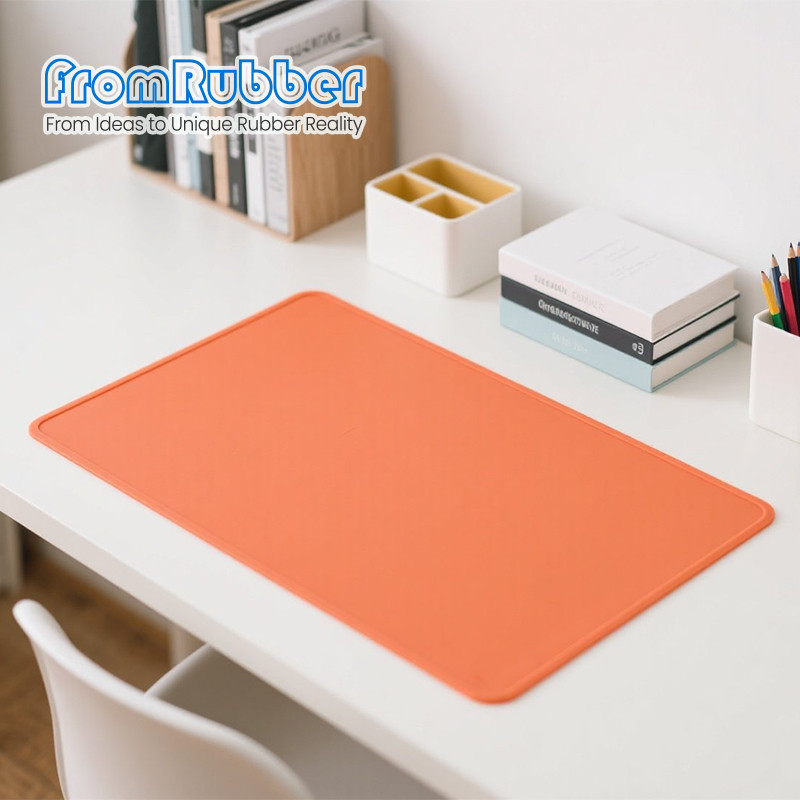
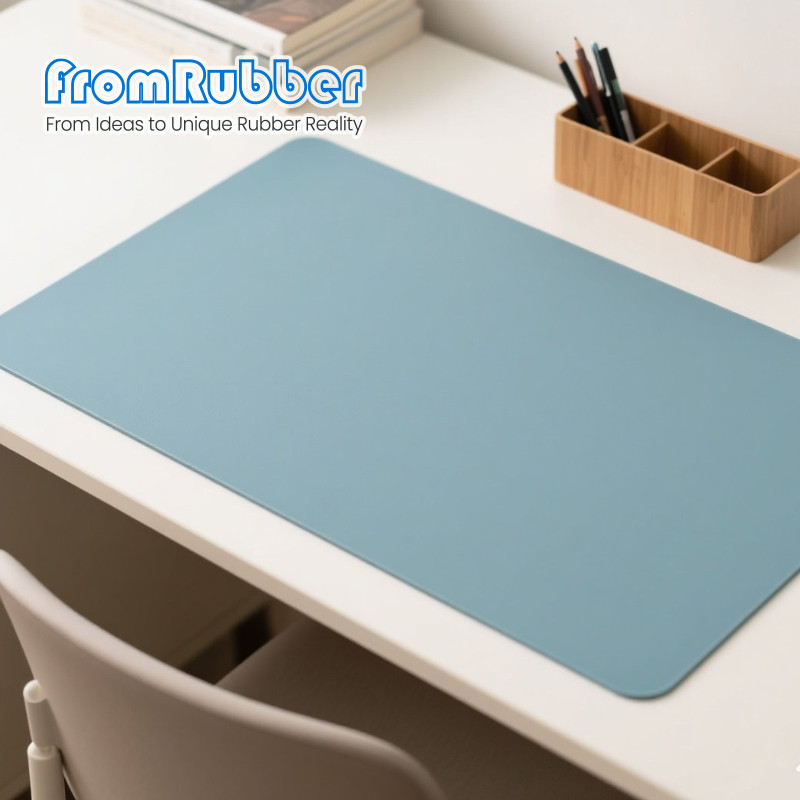
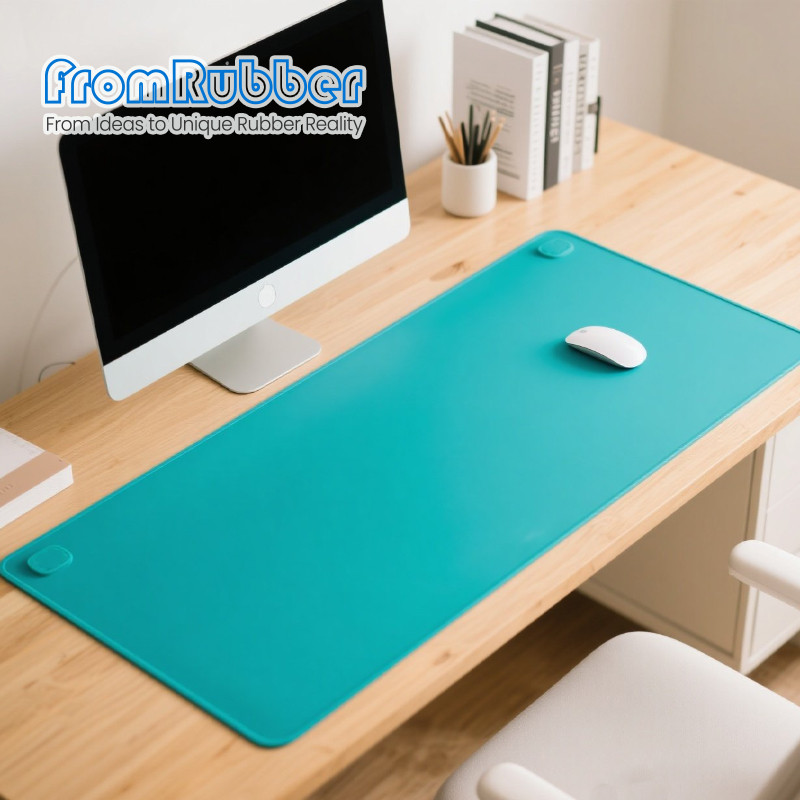
The mouse needs a surface it can track and slide on. The keyboard, the laptop and the pad itself need a surface they do not slide on. Both are friction problems, on the same piece of silicone, at the same time - which is why a silicone desk pad that feels good in the hand can still be a bad mouse surface. Add the third job - containing a spilled coffee before it reaches the laptop - and the design brief is a set of constraints rather than a shape. An optical sensor works by comparing successive images of the surface underneath. A perfectly smooth, glossy or transparent surface gives it too little detail to compare, so the cursor stutters or drifts - the classic "works on the desk, not on the mat" complaint. A matte silicone with a fine, even texture gives the sensor something to see. The texture has to be uniform: a printed graphic with large flat colour fields can create zones where tracking degrades, which is why a heavy print is sometimes laminated under a clear top layer rather than printed on the working surface. The underside has to grip the desk; the top has to hold a keyboard without letting it creep. Those are different requirements from the mouse area, and on a single-material pad they are met by geometry rather than by coating: a slightly softer underside, a fine rib pattern, or simply enough mass and contact area. Edge curl is the other failure. A pad that lifts at the corner catches the wrist, collects crumbs and never lies flat again. A small radius and a stable section keep it down; a thin, wide pad without a supporting section will always curl eventually. Run a mouse across the whole pad in a slow diagonal and watch for stutter, especially over printed areas and near the edges. Test with the sensor type the customer actually uses. Put a keyboard on the pad and push it sideways with a finger. It should resist a light push and move only when deliberately shoved. Roll the pad, leave it rolled for a day, then unroll it. If it does not lie flat within a short time, the section or the packing method is wrong. Sizes are usually driven by the keyboard footprint plus a mouse area: a compact mat for a laptop bag, a full-desk mat for a fixed workstation. Colour and print are the visible differentiators, and both are decided at the tool or at the print stage - silk-screen for solid colour, laser for a permanent tonal mark. Packing matters more than it looks. A pad shipped rolled needs a tube and a period to relax; a pad shipped flat needs a rigid carton. The wrong choice produces a product that arrives with a memory of the tube. Other moulded mats are listed under custom silicone pads. A heat-resistant mat for a different desk problem is described under silicone hot tool pads. Usually, if the print is thin and the base texture shows through. Large solid colour areas and gloss finishes are the problem; if the artwork is heavy, specify the print under a clear top layer. Thick enough to lie flat and cushion the wrist, thin enough not to raise the keyboard uncomfortably. A keyboard on a very soft pad rocks, which users notice immediately. Wiped, yes; soaked, not usually necessary. If the product claim includes washing, specify it, because the print and the surface texture are what degrade. The finish matters more than the colour, but very dark, glossy surfaces are less reliable than matte mid-tones. Test the actual colour, not a neutral sample. Size, print method and packing follow from how the pad is sold and shipped. Send the keyboard and mouse footprint with the artwork, and we will propose a size, a surface and a packing method that arrives flat.A silicone desk pad has to do two opposite jobs: let the mouse move, and stop everything else moving
Tracking is decided by the surface, not the sensor
Why an optical mouse needs texture
The other half: nothing else may slide
Friction on both faces
Three properties to test before approving a sample
Tracking
Static friction
Lay-flat
What an OEM programme looks like
Size, print and packing
Specification on this series
Questions from product and sourcing teams
Will a printed pad still track well?
How thick should the pad be?
Can it be washed?
Does colour affect tracking?
Send the desk footprint and the artwork